SHANGHAI ESURVEY GNSS CO., LTD.
80
5.5 Job Menu
This menu contains all functions for entering, editing and checking data in the field.
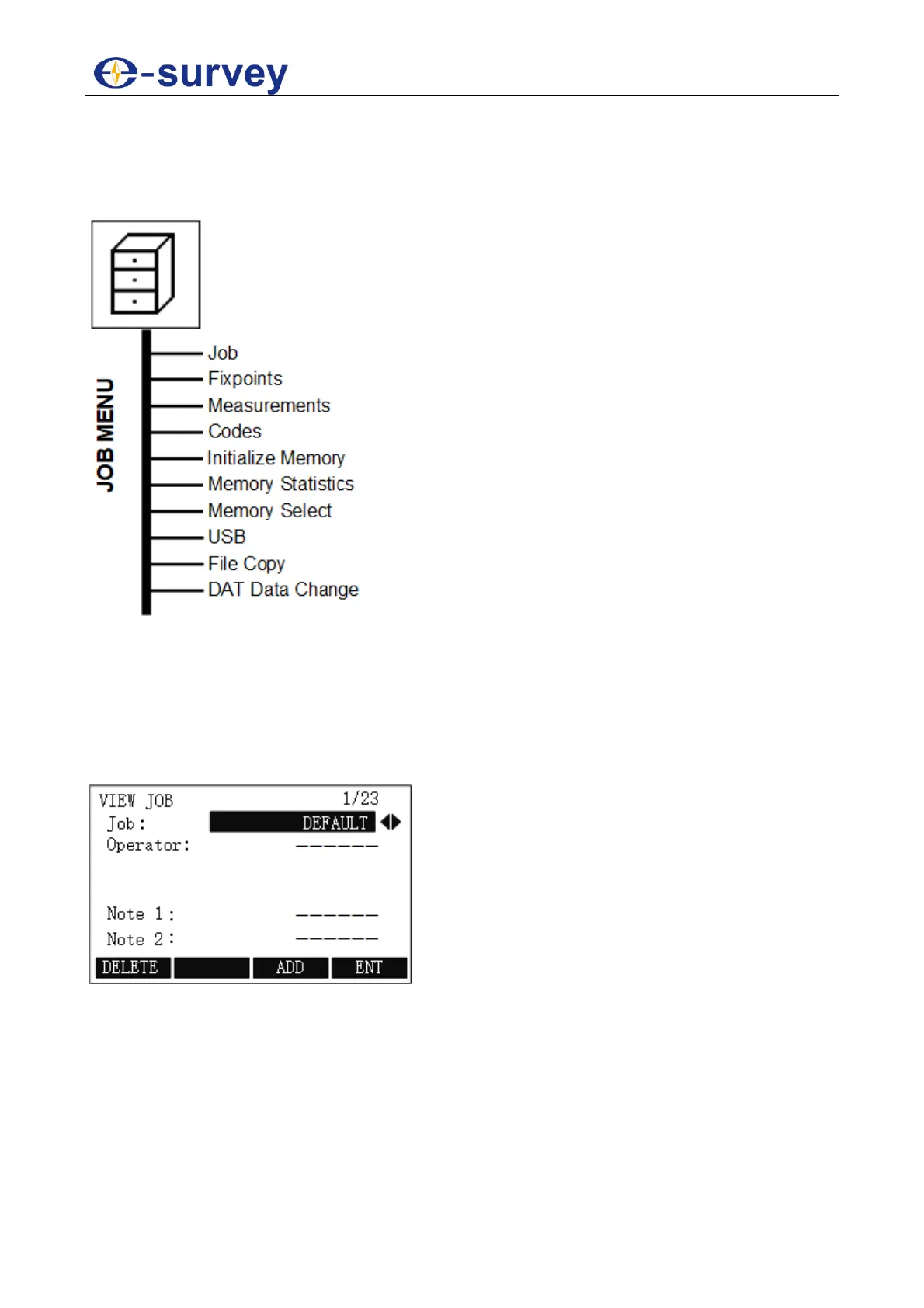
With this menu, you can achieve the following:
5.5.1 Job
Jobs are a summary of data of different types, e.g. fixed points, measurements, codes,
results, etc. Each job consists of job name, operator, note 1 and note 2. You can view and
delete created jobs, and create a new job.
You can enter VIEW JOB display by pressing MENU and F4 JOB / 4, and pressing F1 / 1
in FILE MANAGEMENT display:
In this display, you can achieve the following:
View created jobs by pressing ◀ / ▶ to switch among created jobs.
Delete the selected job by pressing F1.
Start a new job by pressing F3.
Set the selected job by pressing F4.



 To Next Page