SHANGHAI ESURVEY GNSS CO., LTD.
60
3. To determine the end point, press F1 ALL. The display shows Data Saved, and
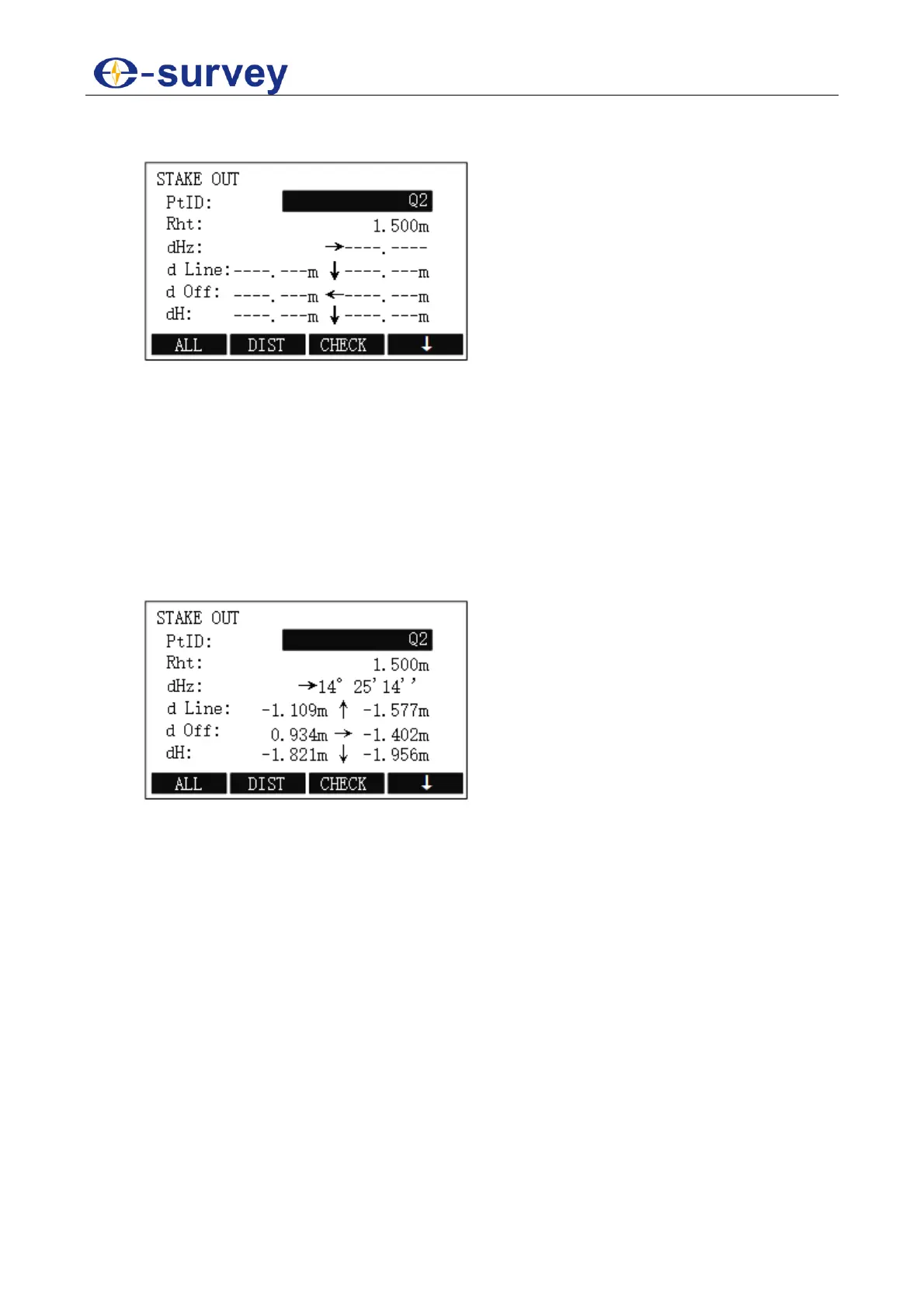
STAKE OUT display shows:
The figure shows the position of the prism in relation to the stake out point.
Furthermore, the accurate values are displayed, combined with the arrows
indicating the direction.
o d Line: if it is positive (↑), it means that the target point is further away than
the measured point.
o d Off: if it is positive (→), it means that the target point is on the right of the
measured point.
o dH: if it is positive (↑), it means that the target point is higher than the
measured point.
4. Select a known point, and press F1 ALL to trigger measurement. The display
shows the result of staking out:
5.2.9.4 Continue the Previous Site
To continue the previous site, in CONSTRUCTION STAKE display, press F4 / 4.
See 5.2.9.3 Set the New Construction Site for details.



 To Next Page