SHANGHAI ESURVEY GNSS CO., LTD.
51
2. To determine area points, do one of the following:
o To start measurement for the current point, press F1 ALL. The display
shows Data Saved:
o To search for points from the internal memory, press ↓ twice and press F3
FIND, or press ↓ three time and press F1 LIST.
o To manually input the coordinates, press ↓ three times and press ENH.
At most 30 points are supported.
3. Optional: To undo measurement or selection of the last point, press F2 DecPt.
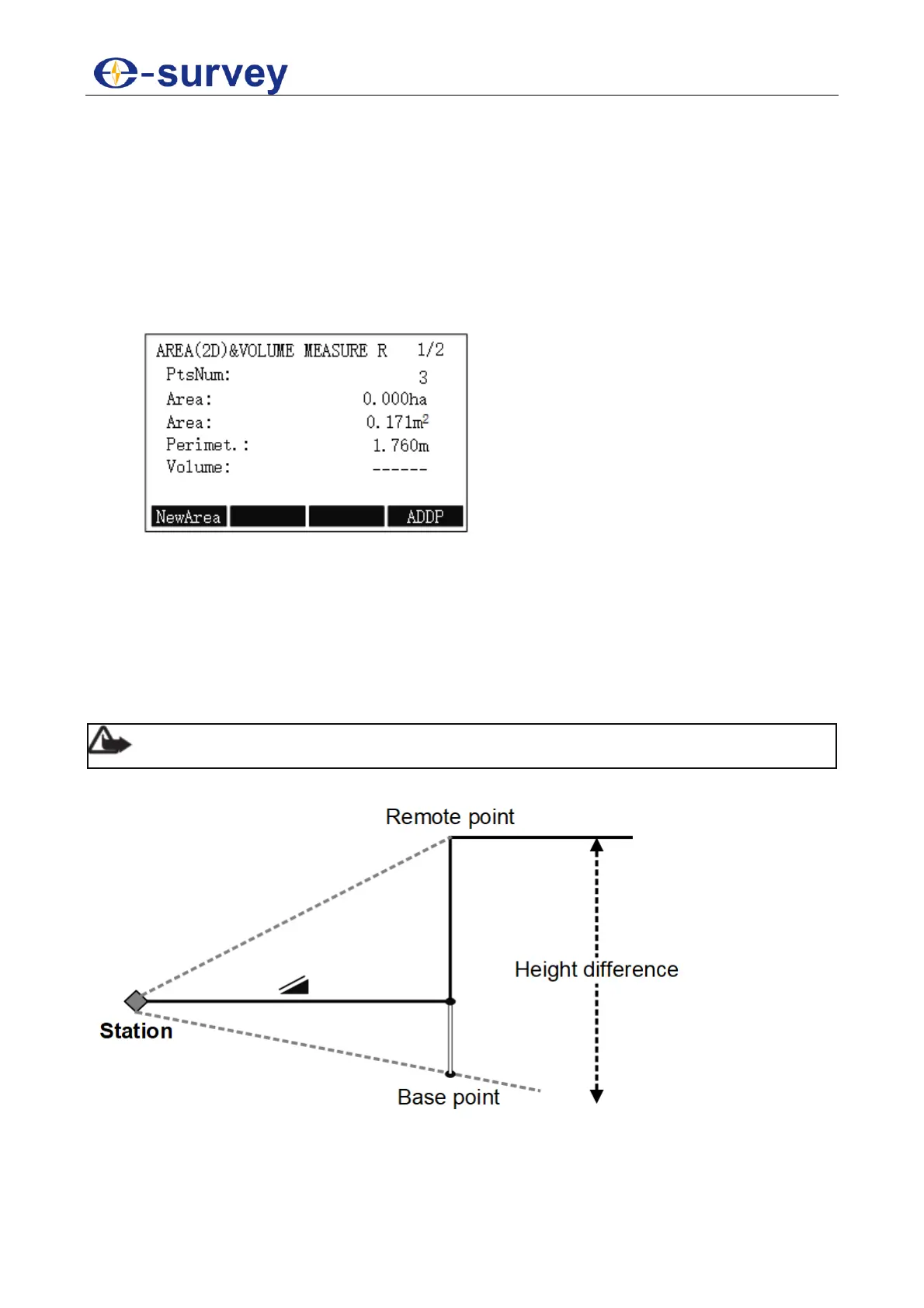
4. To check the result, press F3 COMPUTE. AREA(2D)VOLUME MEASURE R
display shows:
5.2.7 Remote Height
This program is used to calculate the height difference of a remote object relative to
ground.
The start point of measurement differs in the following:
With a prism: the start point is the prism (reference point).
Without a prism: the start point is any reference point in which the vertical angle is
established
Note: The reference point should be perpendicular to the remote object.
The principle is as follows:



 To Next Page