103
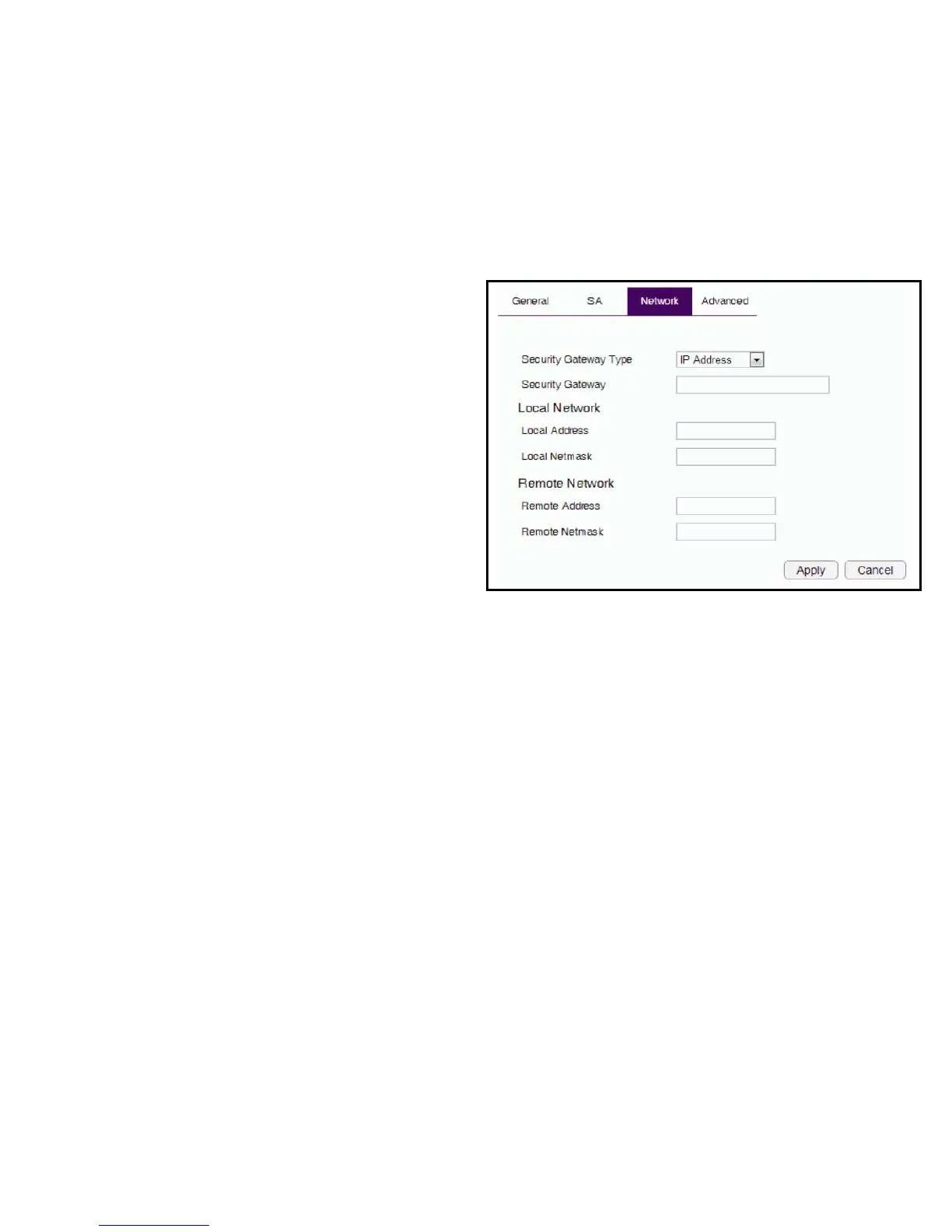
Network
Manually conguring a VPN tunnel prole.
Security Gateway Type:Clickthedrop-downmenutoselectthe
SecurityGatewayType(IPAddress,DomainName)
Security Gateway: Enterthegatewayvalueasdenedin
SecurityGatewayType.
Local Network
Local Address: EntertheIPaddressofthelocalPC.
Local Netmask: EnterthenetmaksofthelocalPC.
Remote Network
Remote Address: EntertheIPaddressoftheremotePC.
Remote Netmask: EnterthenetmaskoftheremotePC.
Apply: ClickApplytosavethechanges.
Cancel: ClickCanceltodeletethechanges.



 To Next Page