116
Application Layer Gateway Setup
TheALG(ApplicationLayerGateway)servesasawindowbetweencorrespondentapplicationprocessessothattheymayexchange
information on an open environment.
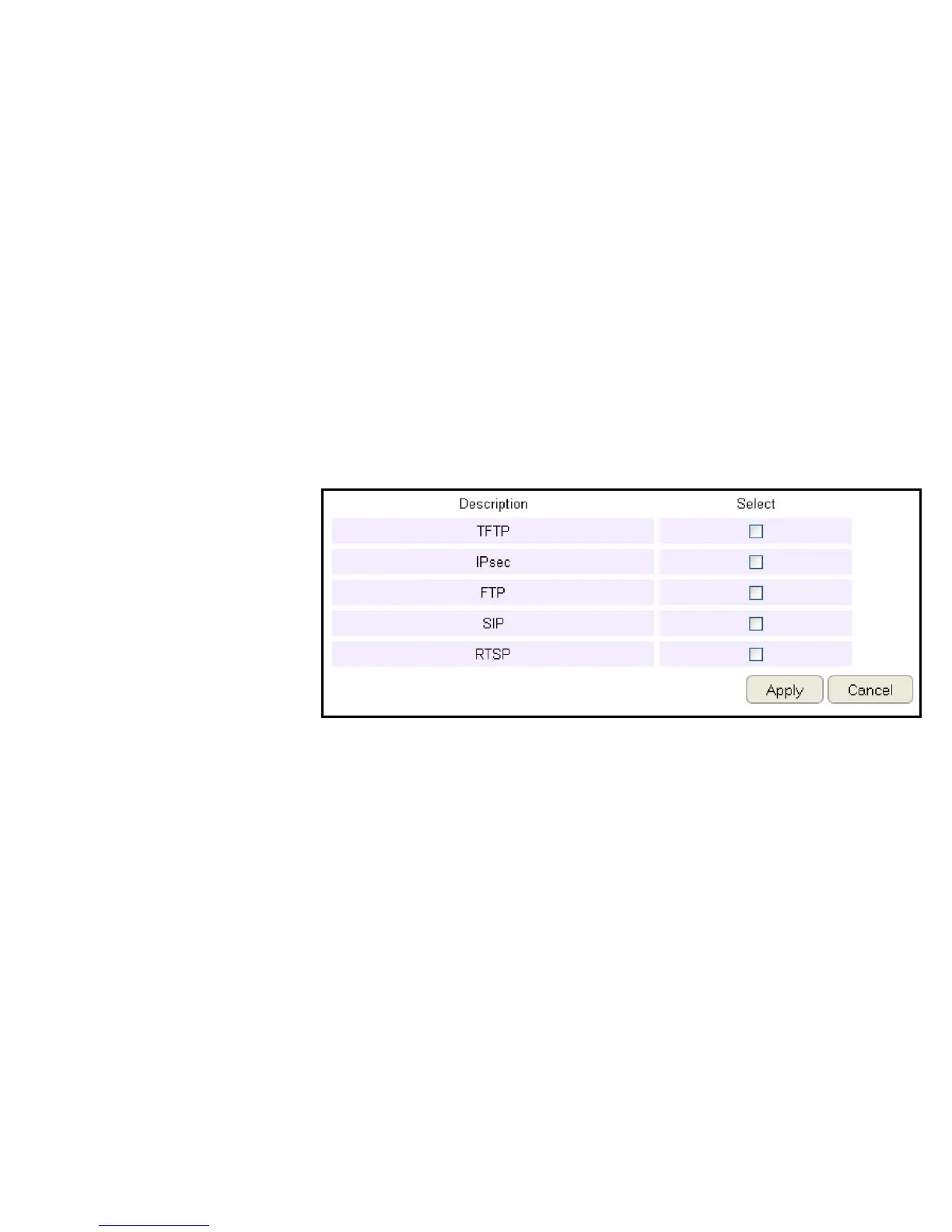
ToviewtheALGsettings,clickAdvanced then select ALG.
SelectthelistedapplicationsthatneedALGsupportandthentherouterwillauthorizethemtopassthroughtheNATgateway.
ClickApply to save the settings or Cancel to discard changes.



 To Next Page