110
Port Mapping Setup
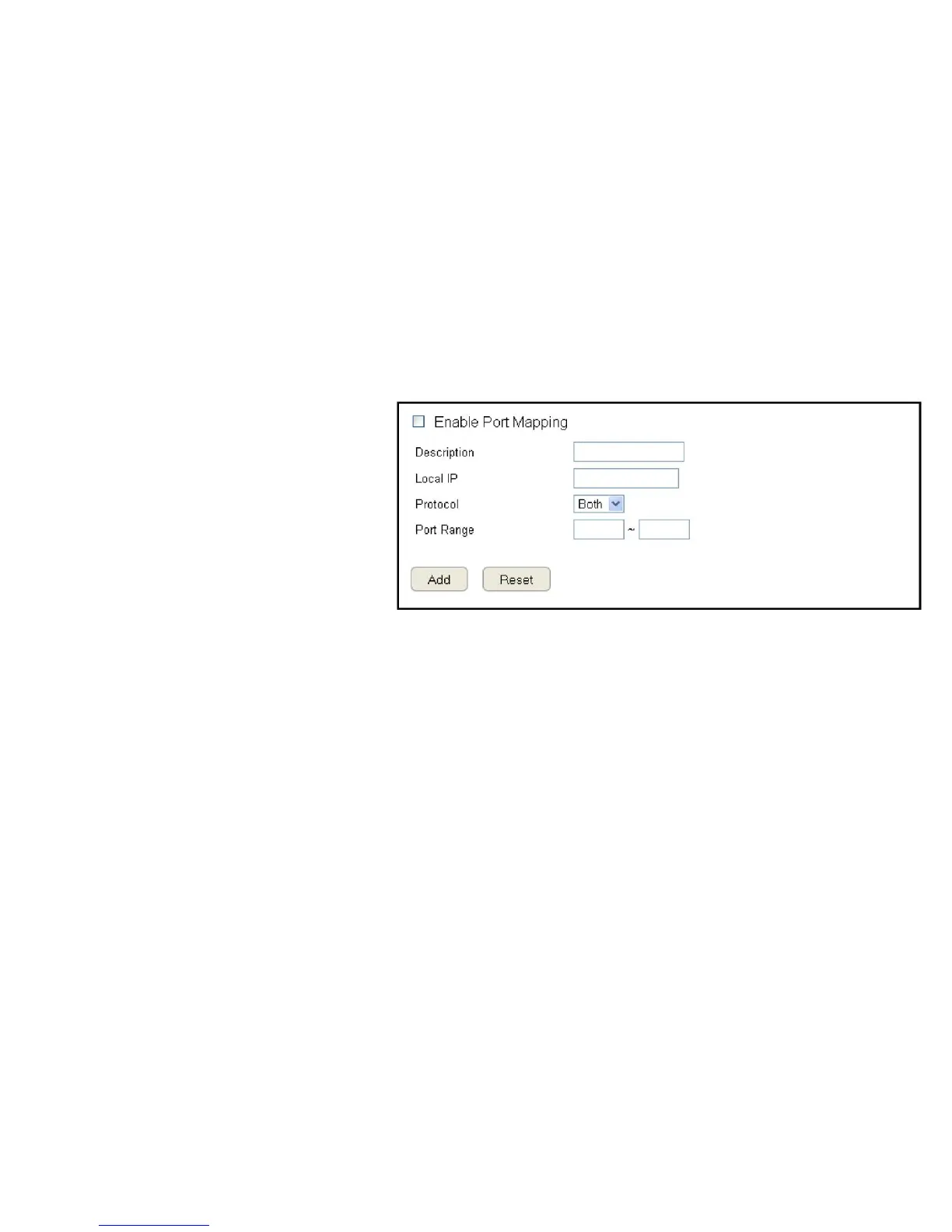
PortMappingallowsyoutoredirectaparticularrangeofserviceportnumbersfromtheWANtoaparticularLANIPaddress.
ToviewthePortMappingsettings,clickAdvanced then select Port Mapping.
Enable Port Mapping
ClickEnablePortMappingtoactivateportmapping.
Description
Enternotesordetailsaboutthemappedportrange
conguration.
Local IP
EnterthelocalIPaddressoftheserverbehindthe
NATrewall.
Protocol
Selecttheprotocoltouseformappingfromthefollowing:TCP,UDPorBoth.
Port Range
Entertherangeofportstobeforwarded.
ClickAddtoappendanewdevicetothelistorReset to discard changes.



 To Next Page