39
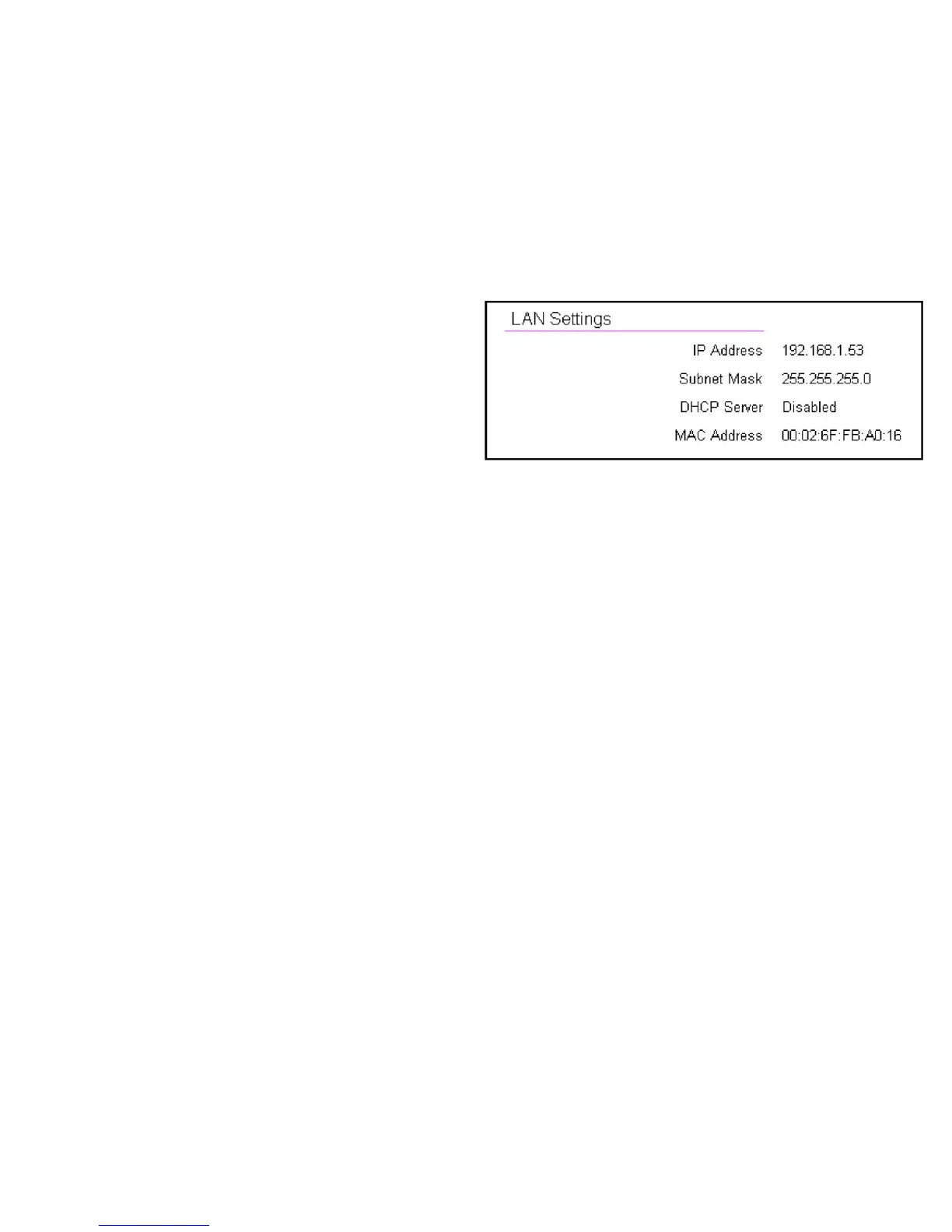
LAN Settings
IP Address
Therouter’slocalIPaddress.ThedefaultLANIPaddressis
http://192.168.0.1
ToaccesstheWebCongurationinterfacefortherouter,type
thisaddressintotheaddress(URL)eldofyourwebbrowser.
Thiscanonlybedoneinthesamephysicallocationwherethe
routerresides(yourhomenetwork).
Subnet Mask
Therouter’slocalSubnetMask.
DHCP Server
TheDHCPsettingstatus(Default:Enabled).TheDHCP(Dynamic
HostControlProtocol)isasoftwaremechanisminyourrouter
thatassignsIPaddressestowiredandwirelessdevicesonyour
network,forexample,acomputer,printer,tabletorHDTVonyour
networkmaybeassignedanIPaddressofhttp://192.168.0.104.
Notehowtheaddressisessentiallyanextensionoradditionof
your router’s IP address.
MAC Address
Therouter’suniqueMACaddress.



 To Next Page