98
Conguring Denial of Service
Toenableblockingofdenialofservice(DoS)attacks,selecttheDoSoptionintheFirewallsection.DoSattackscanoodtheInternet
connectionwiththecontinuoustransmissionofdata.BlockingtheseattacksensuresthattheInternetconnectionisalwaysavailable.
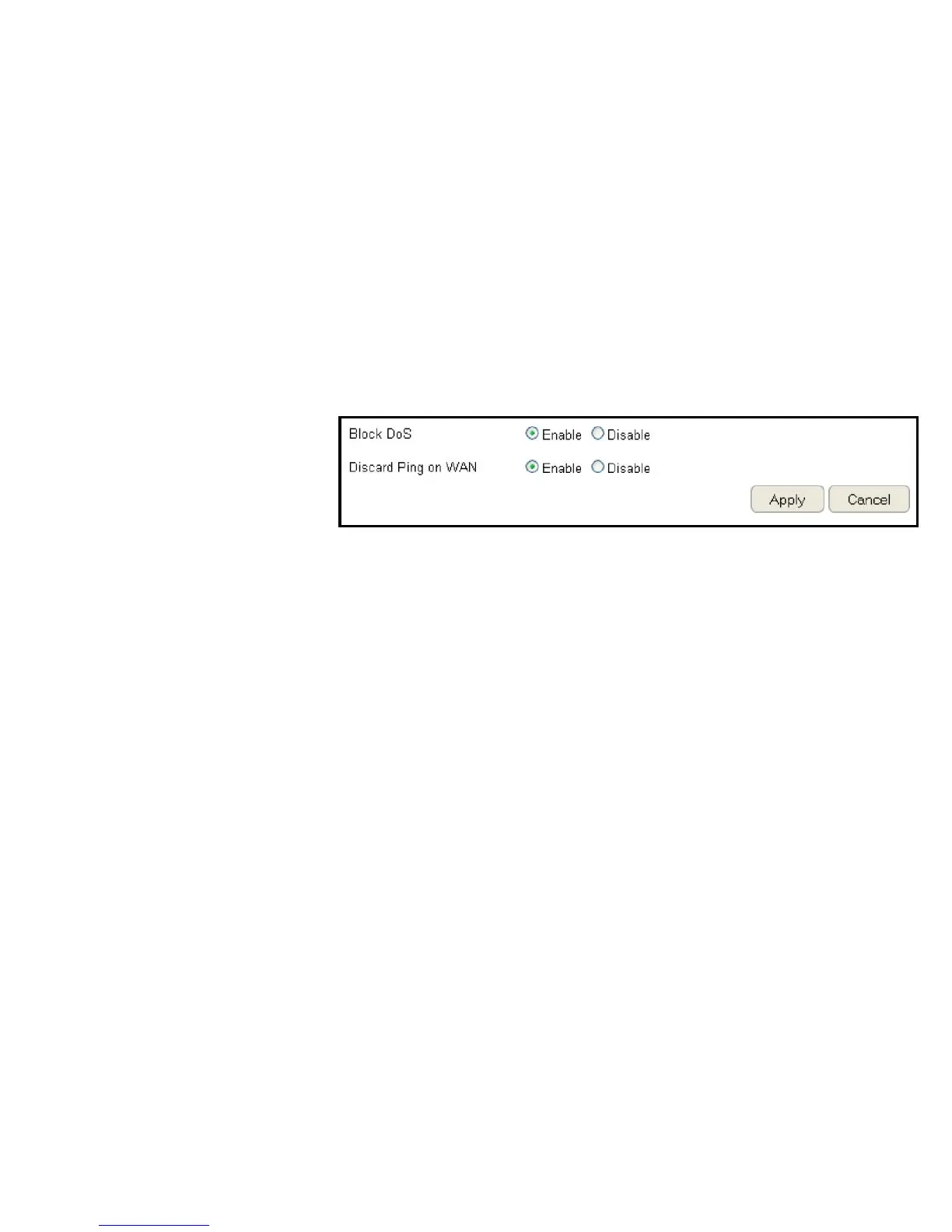
ToviewtheDoSsettings,clickFirewall then select DoS.
Block DoS
EnableordisableblockingDoSattacks.
Discard Ping on WAN
ICMP(ping)packagesareblocked
whileBlockDoSisenabled.
EnableDiscardPingonWANiftheWANportisrequired.
ClickApply to save the settings or Cancel to discard changes.



 To Next Page