64
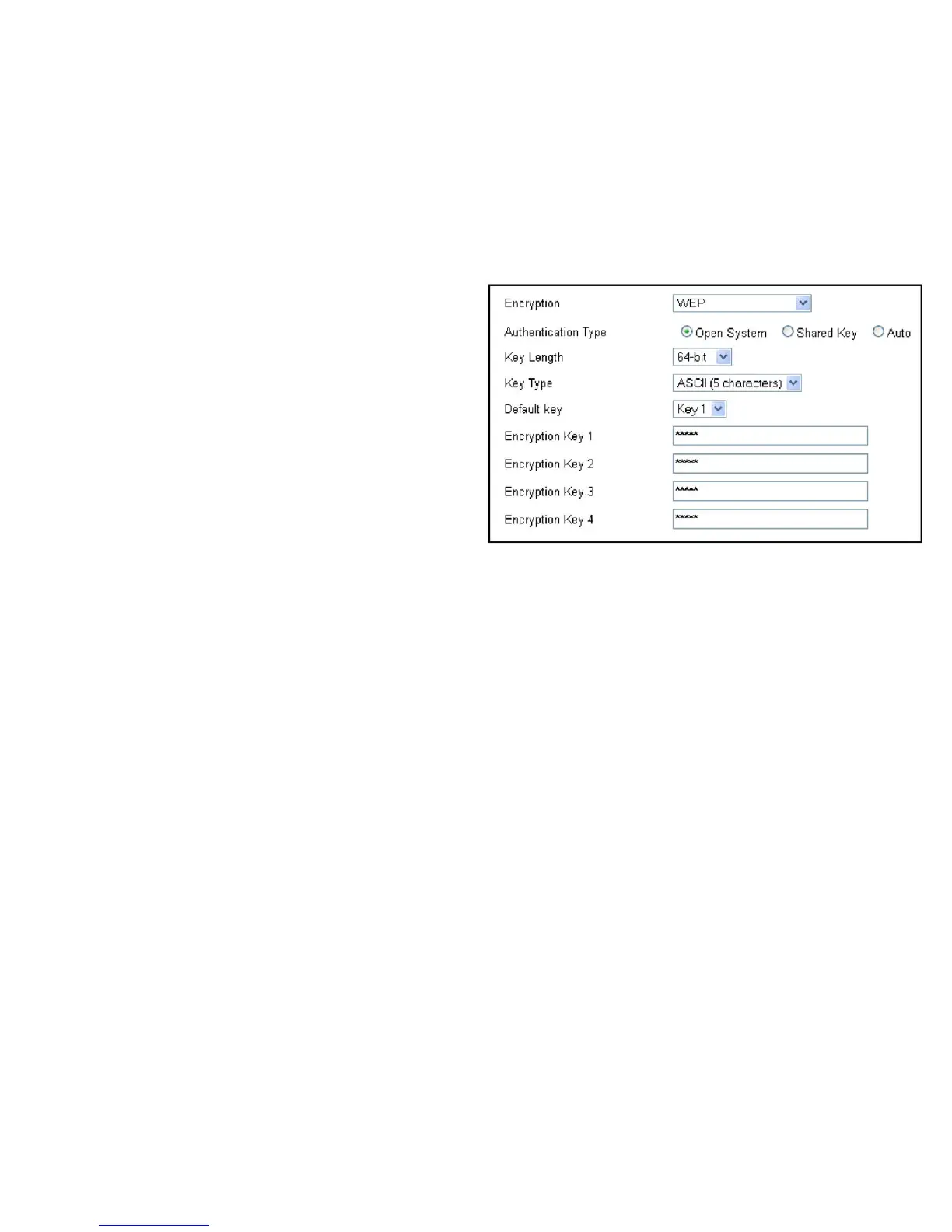
WDS Security Settings Screen
SelectingthetypeofWDSencryption(Disable,WEPorWPAPre-
SharedKey)forthewirelessnetwork.
Wired Equivalent Privacy (WEP)
Key Length
Selectbetween64-bitand128-encryption.
Key Format
SelectthetypeofcharactersusedfortheWEPKey:ASCII
(5characters)orHexadecimal(10characters).
Default Key
Selectthedefaultencryptionkeyforwirelesstransactions.
Encryption Key [#]
Entertheencryptionkey(s)usedtoencryptthedatapackets
during data transmission.



 To Next Page