111
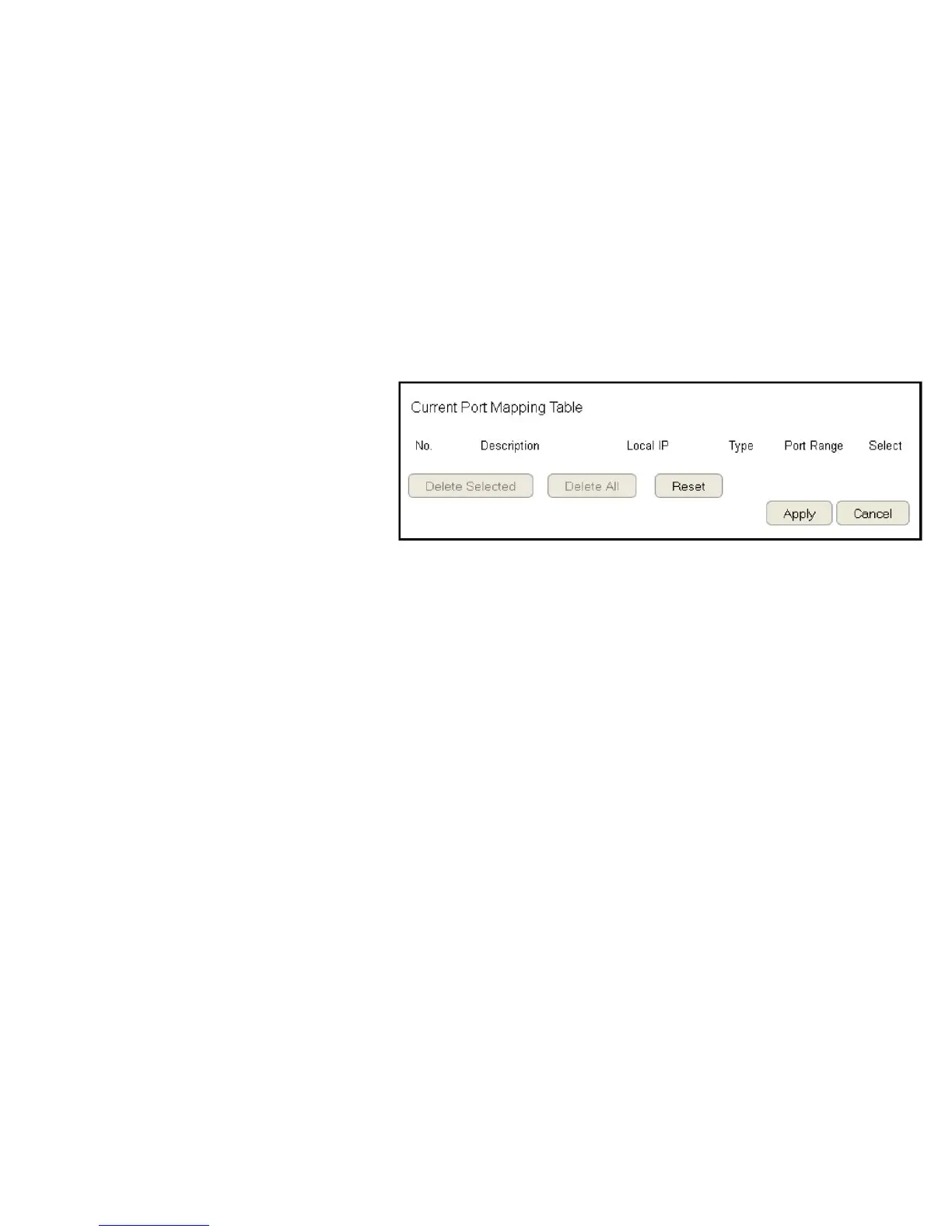
Current Port Mapping Table
Displaysalistofmappedportrangesinuseonthenetwork.
No. (Number)
Thesequencenumberofthemappedportrange.
Description
Notesordetailsaboutthemappedportrange.
Local IP
IP address of the server for the mapped port range.
Type
TheprotocolusedtocommunicatewiththeWANportsandLAN
server.
Port Range
The range of mapped ports.
Select
Indicatesthedevice(s)thatcanhaveactionsperformedonthem.
ClickDelete Selected to remove selected devices from the list.
ClickDelete All to remove all devices form the list.
ClickReset the discard changes.
ClickApply to save the settings or Cancel to discard changes.



 To Next Page