60
Conguring DS-Lite
Dual-StackLite,orDS-Lite,allowsISPstostopIPv4addresses
fromreachingacustomer’snetworkdevicesandonlyuseIPv6.
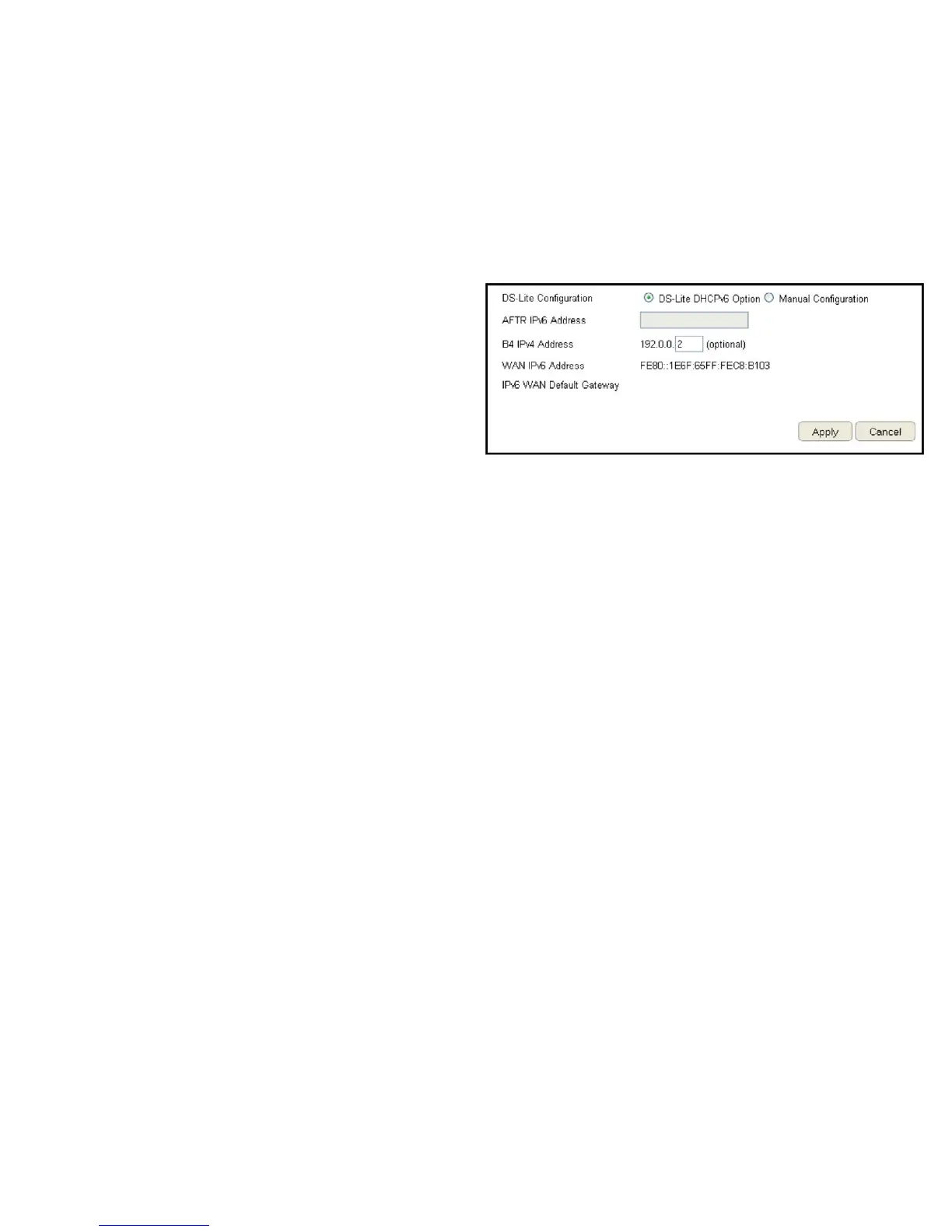
ToviewtheDS-Litesettings,clickInternet, then click DS-Lite.
DS-Lite Conguration
SelectDS-LiteDHCPv6OptionorManualConguration
AFTR IPv6 Address
Enter the AFTR IPv6 connection type
B4 IPv4 Address
EnteranOptionalB4IPv4address.
WAN IPv6 Address
EntertheWANIPv6address.
IPv6 WAN Default Gateway
EntertheIPv6WANdefaultgatewayaddress.
ClickApply to save the settings or Cancel to discard the changes.



 To Next Page