72
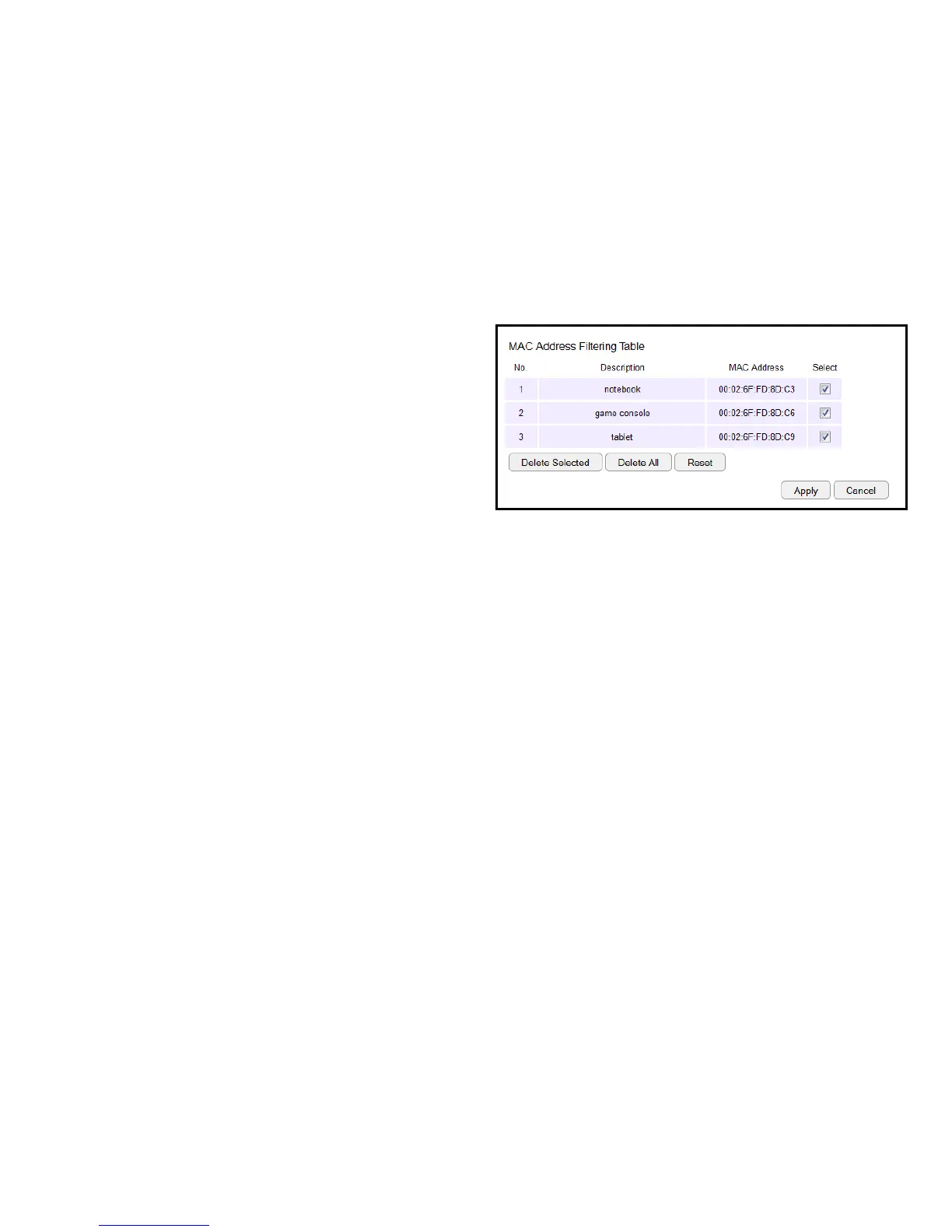
MAC Address Filtering Table
No. (Number)
Thesequencenumberofthedevice.
Description
The description of the device.
MAC Address
TheMACaddressofthedevice.
Select
Indicatesthedevice(s)thatcanhaveactionsperformedon
them.
ClickDelete Selected to remove selected devices from the
list.
ClickDelete All to remove all devices from the list.
ClickResettodiscardchanges.ClickApply to save the settings
or Cancel to discard changes.



 To Next Page