109
Advanced Network Settings
NAT Setup
NetworkAddressTranslation(NAT)allowsusersontheLANtoaccesstheInternetthroughasinglePublicIPAddressormultiple
PublicIPAddresses.NATprovidesrewallprotectionfromhackerattacksandallowsformappingLANIPaddressestoWANIP
addresseswithkeyservicessuchaswebsites,FTP,andvideogameservers.
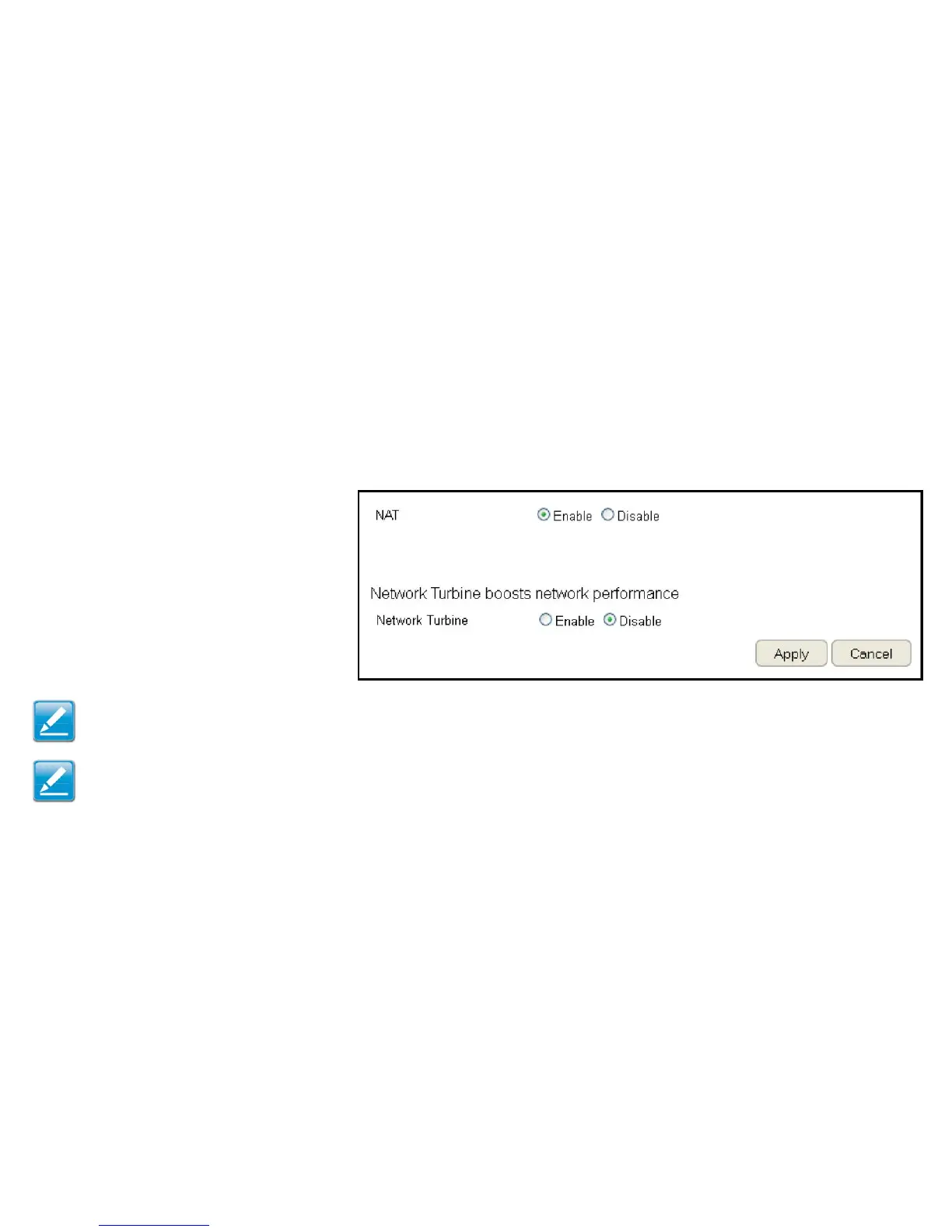
ToviewtheNATsettings,clickAdvanced then select NAT.
NAT
EnableorDisabletheNAT.
Network Turbine
EnableorDisablethenetworkturbine.
Note: Thenetworkturbineisdesignedtoimprovetherouter’sperformance.Thereisabout20~30%improvementwhenthe
networkturbineisenabled.
Note: ThenetworkturbinemaycauseproblemswiththeInternetconnection.Disablethenetworkturbinefunctionifyouexperience
connection issues.
ClickApply to save the settings or Cancel to discard changes.



 To Next Page