133
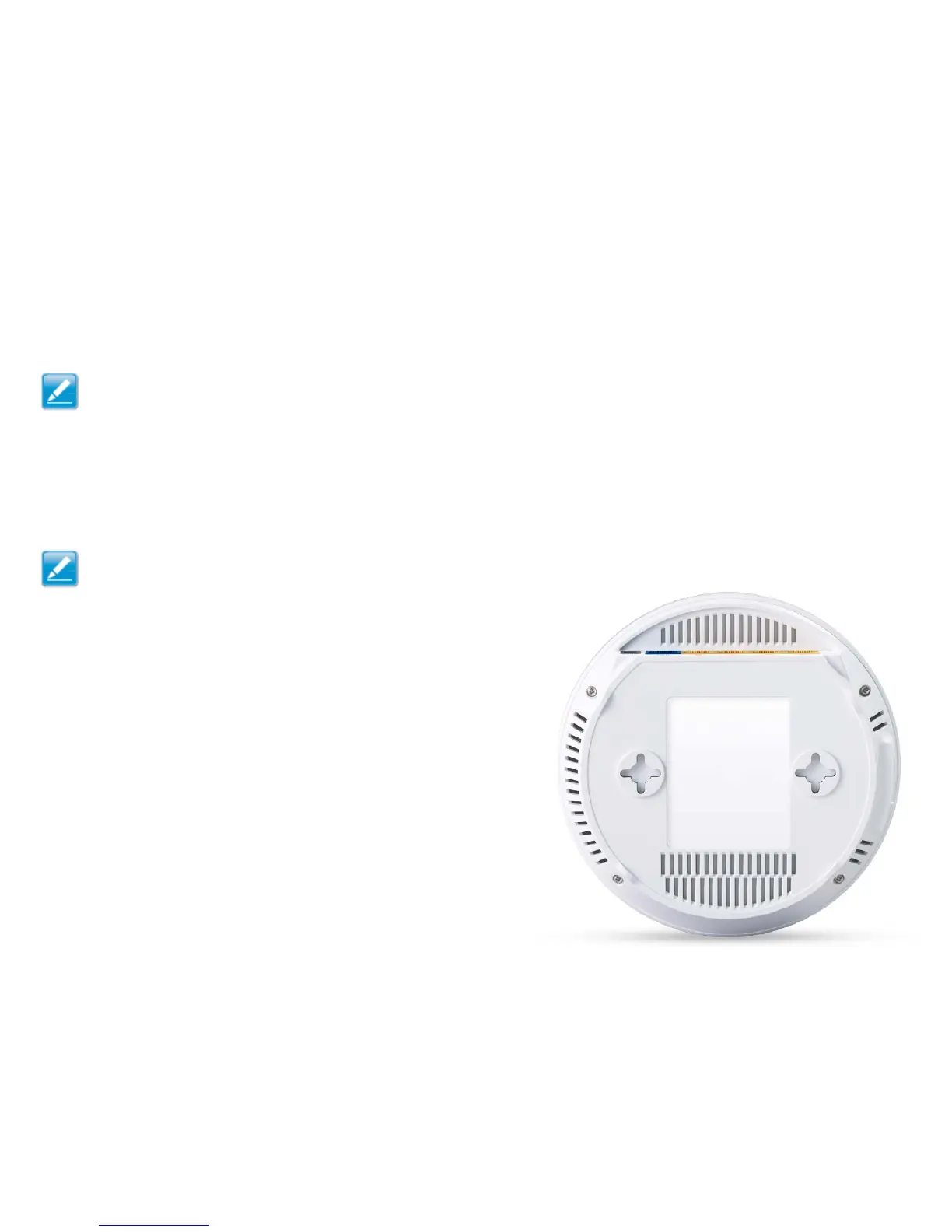
Wall Mounting The Router
Thefollowingareinstructionsifyouchoosetomounttherouterona
wall.
Note: Choosealocationthatiswithinreachofanelectrical
outletfortheACadapterandtheDSLorCablemodem.
Tomountthedeviceonthewalldothefollowing:
1.Measurethedistancefromthemiddleofeachmountingscrewhole.
2.Markthelocationsofthescrewholesonthewall.
3.Drillaholeforeachmarkedlocationandinsertascrewineach.
Note: Makesuretoleaveenoughofthescrewheadabove
thewallsurfacetosecuretherouter.
4.Installandsecurethemountsontotherouter.
5.Installtherouteronthewall.



 To Next Page