48
Monitoring Bandwidth Usage
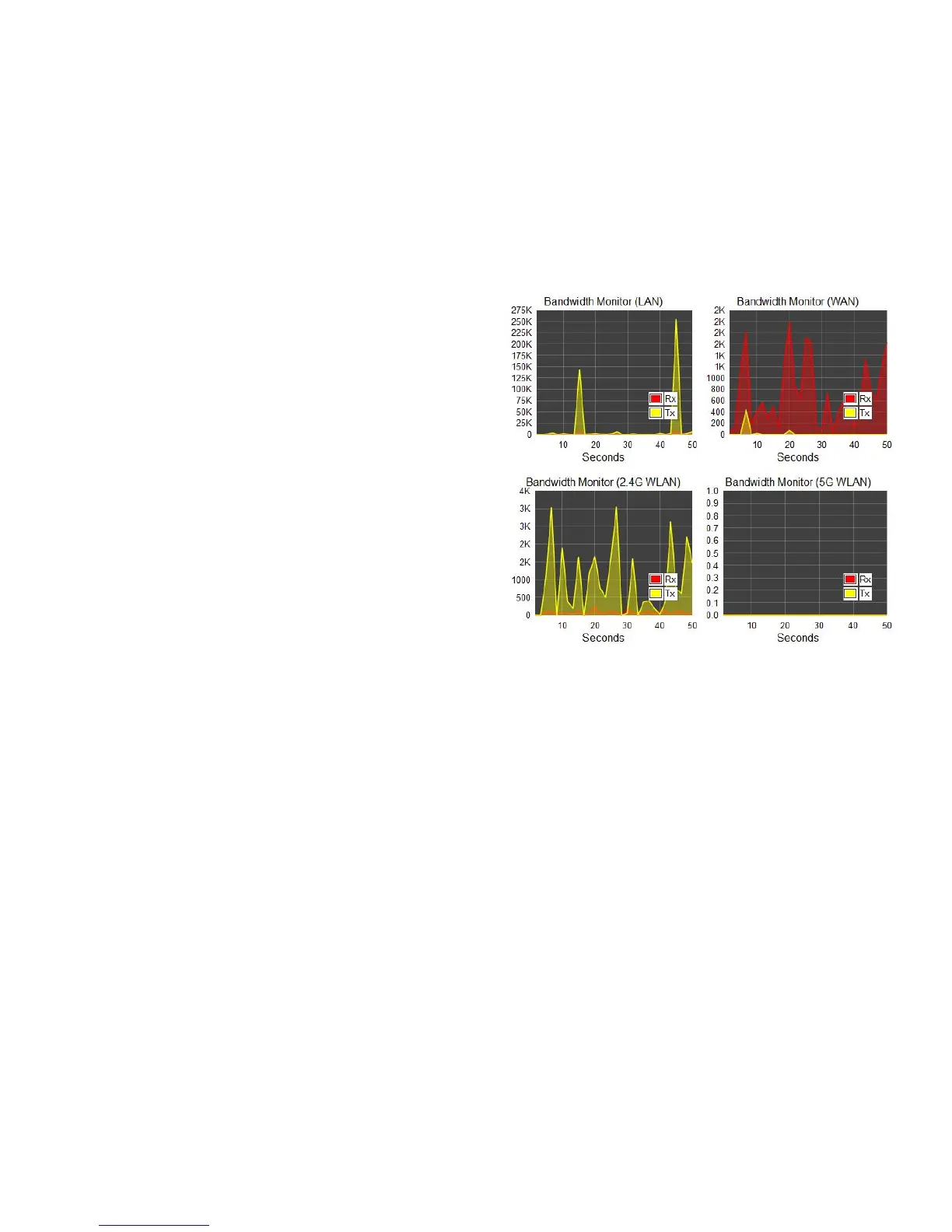
Thistoolallowsyoutoviewreal-timebandwidthusageforWAN
(WideAreaNetwork-orInternet),LAN(LocalAreaNetwork)and
WLAN(WirelessLocalAreaNetwork)trafc.FortheESR600,
itshowsboththebandwidthtrafcinboththe2.4and5GHz
frequencybands.
ToviewtheBandwidthMonitorsettings,clickSystem, then click
Monitor.
ThescreensdisplaytheactivebandwidthusageforboththeLAN
andWLANnetworksaswellasthebandwidthbeingusedonthe
WANconnection.



 To Next Page