40
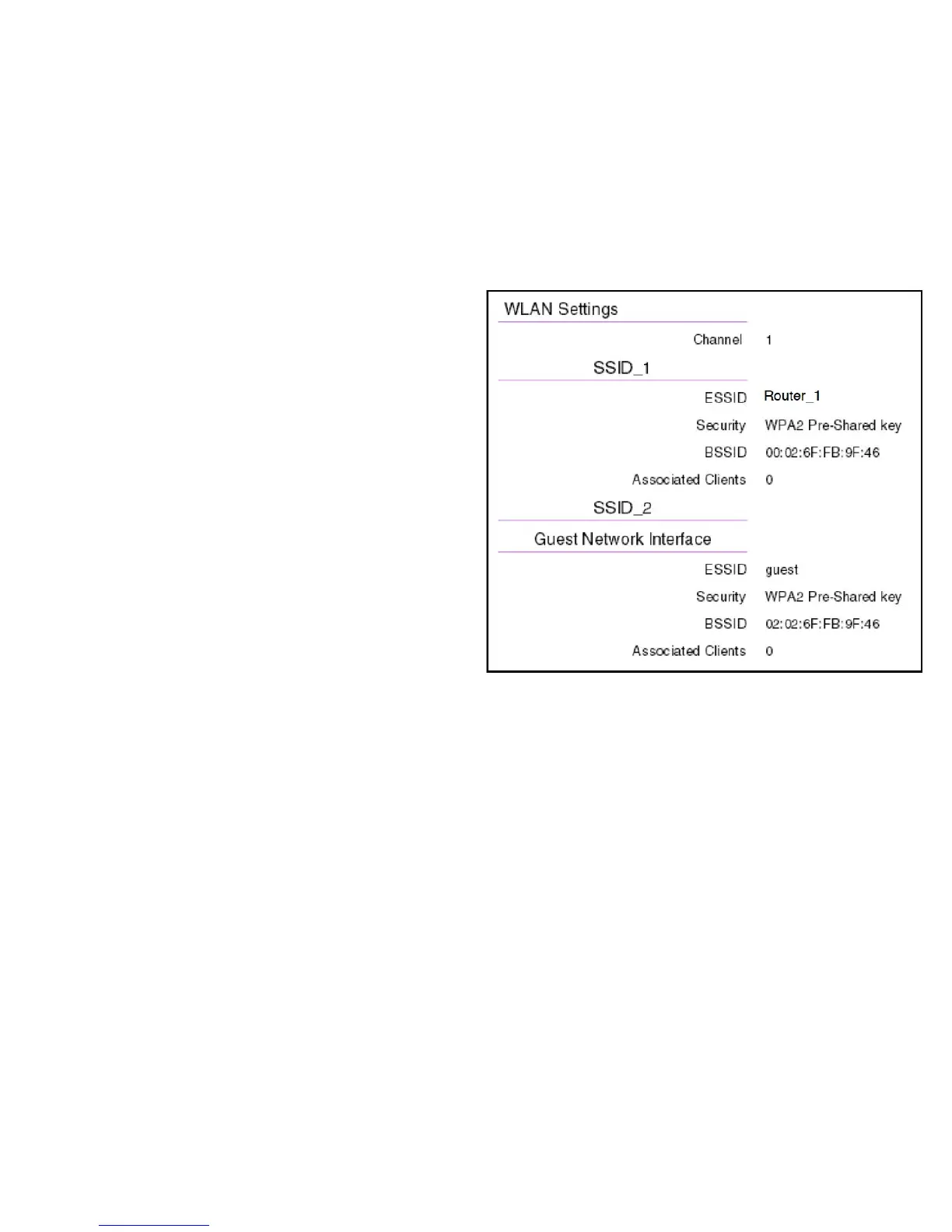
WLAN Settings
Channel
Thecommunicationschannelusedbyallstations,orcomputing
devices,onthenetwork.
ESSID
TheIDvalueofasetofoneormoreinterconnectedbasicservice
sets(BSSs).
Security
Thesecuritysettingstatus(Default:Disabled).
BSSID
TheuniqueIDoftheBSSusingtheabovechannelvalueonthis
router.TheIDistheMACaddressoftheBSSsaccesspoint.
Associated Clients
Thenumberofclientsassociated(activelylinkedtotheroutervia
awirelessorwired/Ethernetconnection)withthisSSID.



 To Next Page