128
Diagnosis that Client Devices Are Connected to the Router
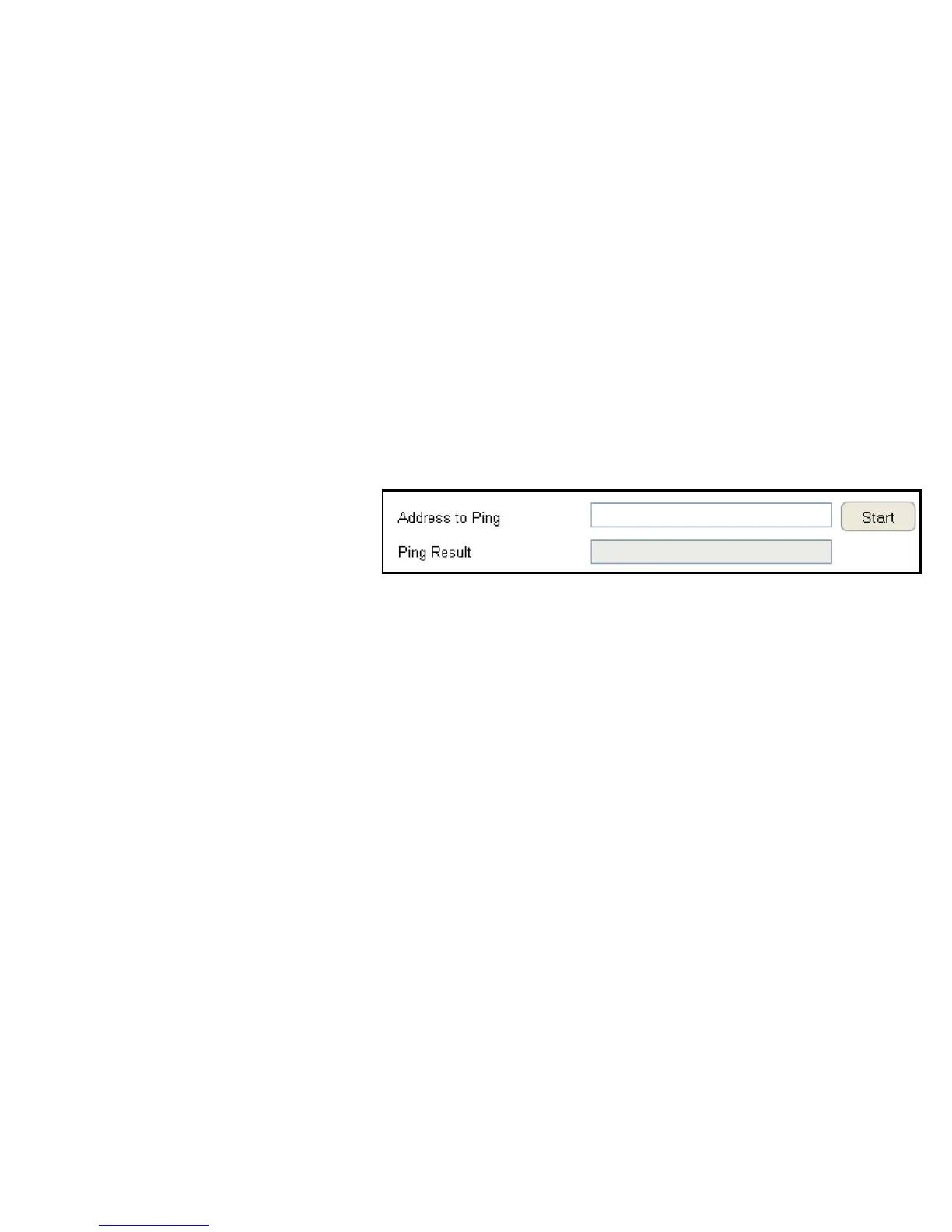
Thediagnosisfeatureallowstheadministratortoverifythataclientdeviceisavailableonthenetworkandisacceptingrequest
packets.Ifthepingresultreturnsalive,itmeansadeviceisconnected.Thisfeaturedoesnotworkifthetargetdeviceisbehinda
rewallorhassecuritysoftwareinstalled.
ToviewtheDiagnosissettings,clickTools then select Diagnosis.
Diagnosing a Network Connection Problem
Address to Ping
Enter IP address of the device to ping.
Ping Frequency
Select the interval, in seconds, that the ping message is sent out.
ClickStarttobeginthediagnosis.



 To Next Page