38
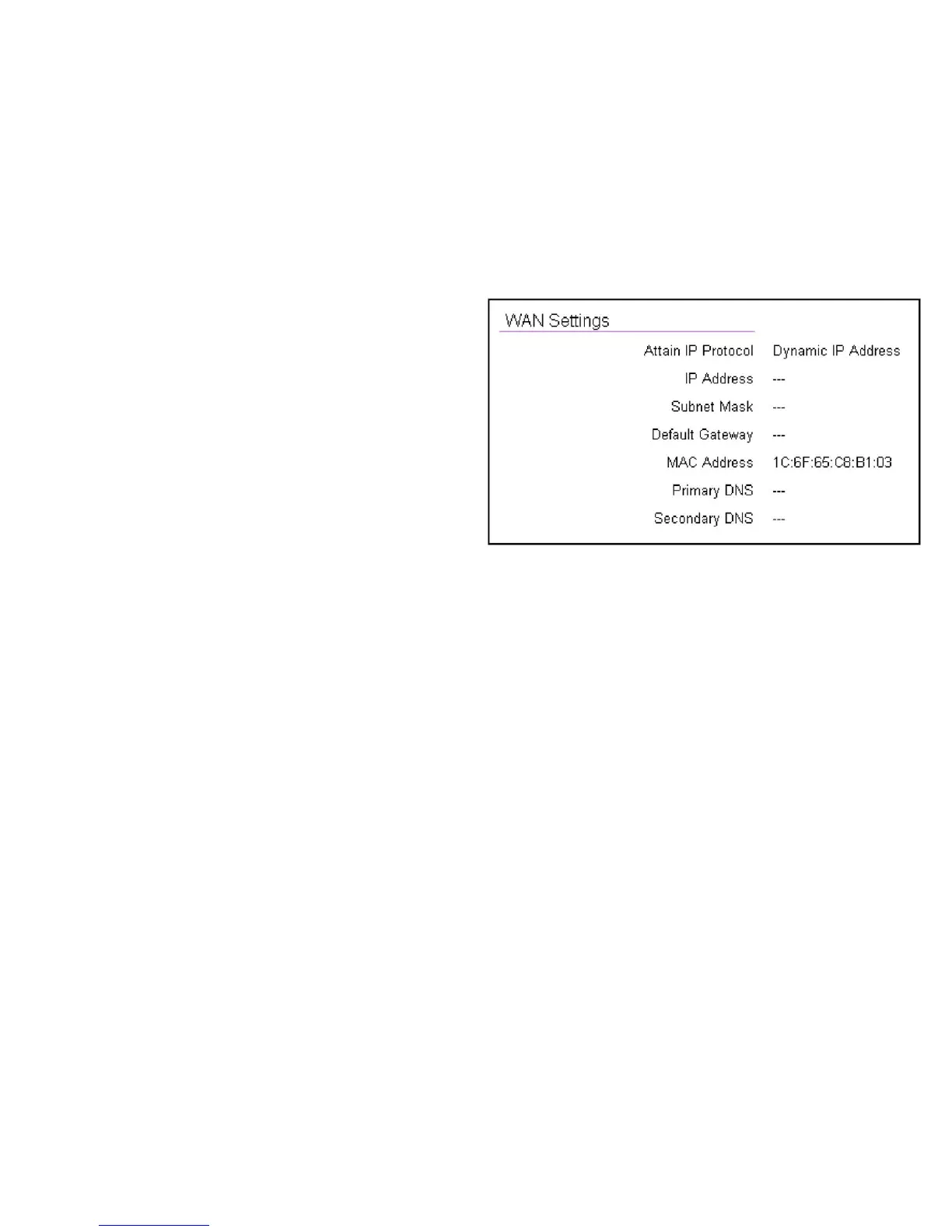
WAN Settings
Attain IP Protocol
DisplaystheIPprotocolinusefortherouter.Itcanbea
dynamic or static IP address.
IP Address
Therouter’sIPaddressasdesignatedbyanISP(InternetService
Provider).
Subnet Mask
Therouter’sWANsubnetmaskasdesignatedbyanISPprovider.
Default Gateway
Therouter’sgatewayaddressasdesignatedbyanISPprovider.
MAC Address
Therouter’sWANMAC(MediaAddressControl)address.The
router’sMACaddressislocatedonthelabelonthebottompanel
oftherouterandisuniqueforeachrouter.
Primary DNS
TheprimaryDNSofanISPprovider.
Secondary DNS
ThesecondaryDNSofanISPprovider.



 To Next Page