70
Wired Equivalent Privacy (WEP)
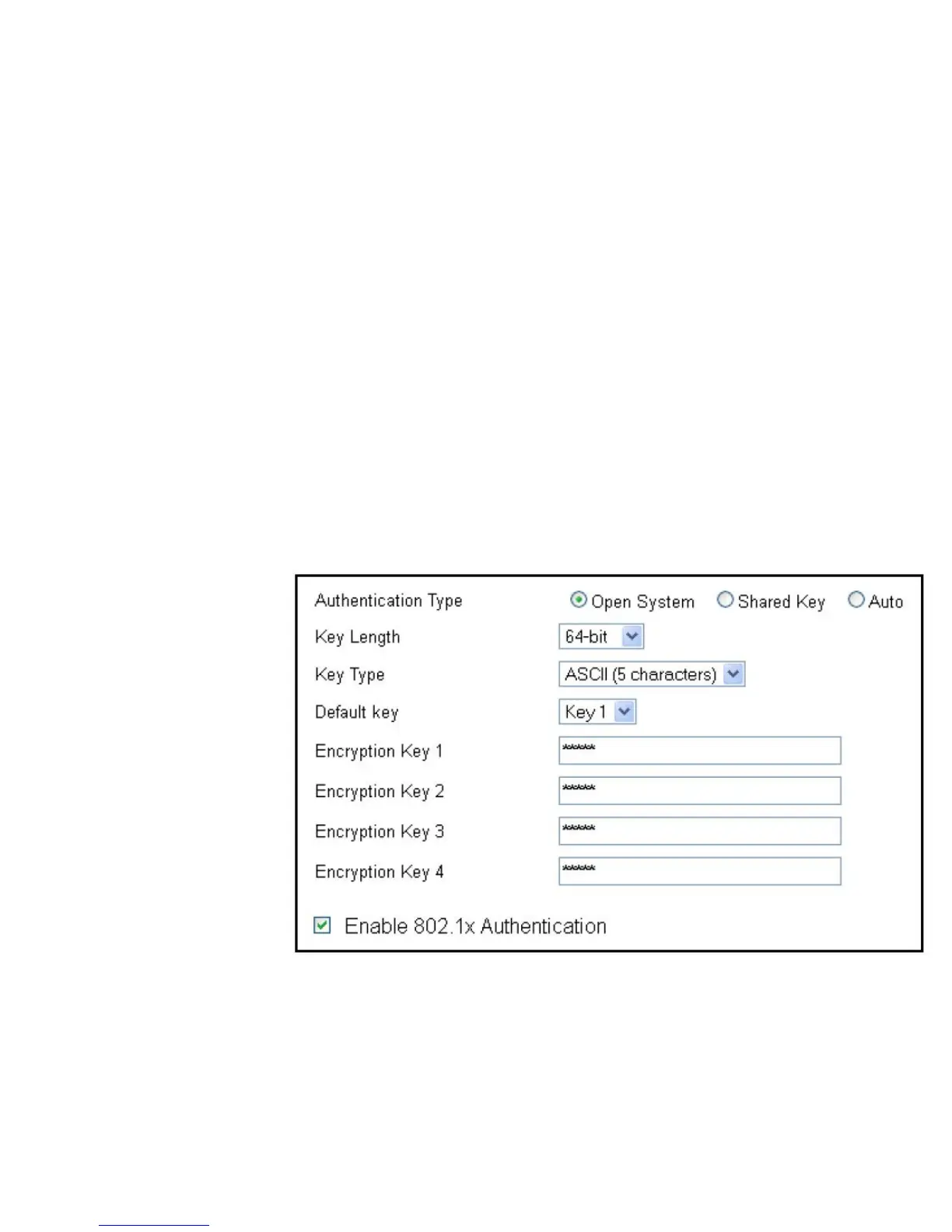
Authentication Type
Selectthetypeofauthenticationfromthefollowing:
• Open System: Wirelessstationscanassociatewiththerouter
withoutWEPencryption
• Shared Key: DevicesmustprovidethecorrespondingWEP
key(s)whenconnectingtotherouter
• Auto: TherouterautomaticallydetectswhetherOpenSystem
orSharedKeyisbeingused
Key Length
Selectbetween64-bitand128-encryption.
Key Type
SelectthetypeofcharactersusedfortheWEPKey:ASCII
(5characters)orHexadecimal(10characters).
Encryption Key [#]
Entertheencryptionkey(s)usedtoencryptthedatapackets
during data transmission.
Enable 802.1x Authentication
Enableordisable802.1xauthentication.



 To Next Page