36
Note:
If a feature or function does not apply to all modes, a note indicates
whichmodesareapplicable.Otherwise,itisassumedthefeature
or function applies to all modes.
Network Settings
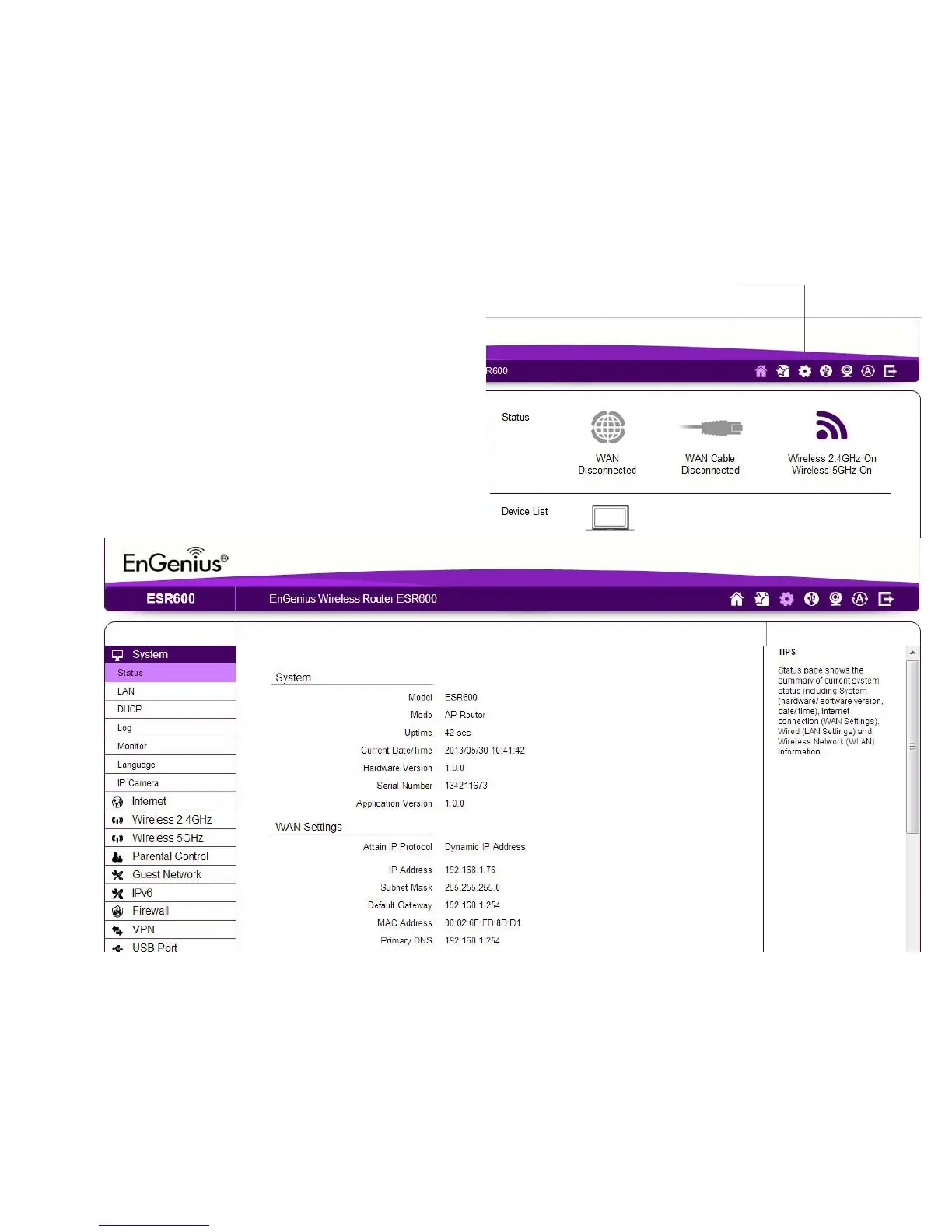
Viewing System Status
Toseeamoredetailedviewoftherouter’sstatusthan
theinformationdisplayedontheHomepageoftheWeb
Congurationinterface,fromtheHomePageclickonNetwork
Settings buttonintheuppernavigationbar.
Home
NetworkSettings



 To Next Page