46
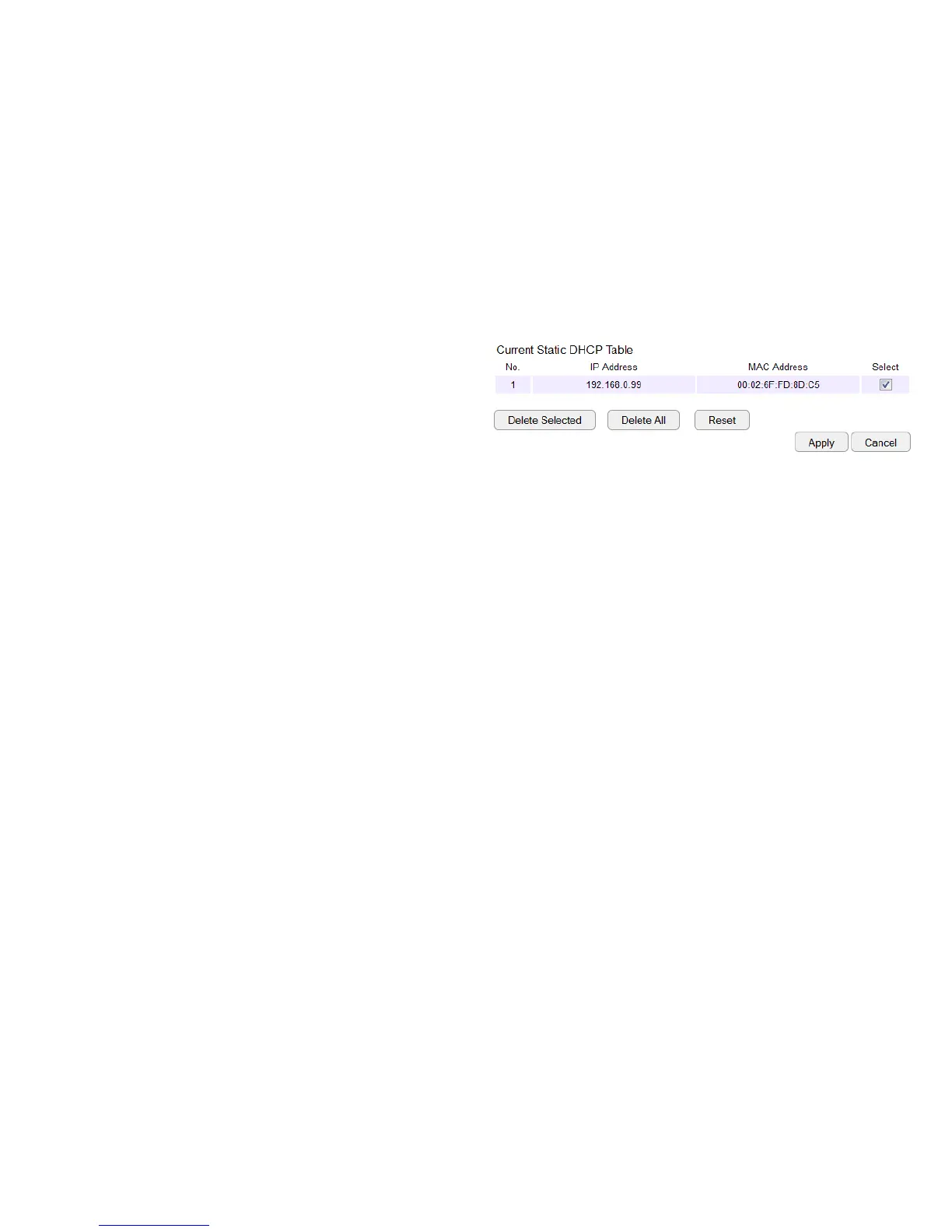
Current Static DHCP Table
AllowsyoutoviewtheactivestaticDHCPIPaddressesthat
havebeenmanuallyassignedtoclientdeviceswiththeir
correspondingMACaddresses.
No. (Number)
DisplaystheIDofthestaticDHCPclientdeviceinthetable.
IP Address
DisplaystheIPaddressofthestaticDHCPclientdeviceinthe
table.
MAC Address
DisplaystheMACaddressofthestaticDHCPclientdeviceinthe
table.
Select
ClicktoselectstaticDHCPclientdevicestobedeleted.
ClickDelete Selectedtoremoveaselectedaddress.ClickDelete
All toremovealladdressesfromthetable.ClickReset to return
thetabletoitspreviousstate.ClickApply to save the settings or
Cancel to discard changes.



 To Next Page