51
Conguring Internet Settings
View Internet Status
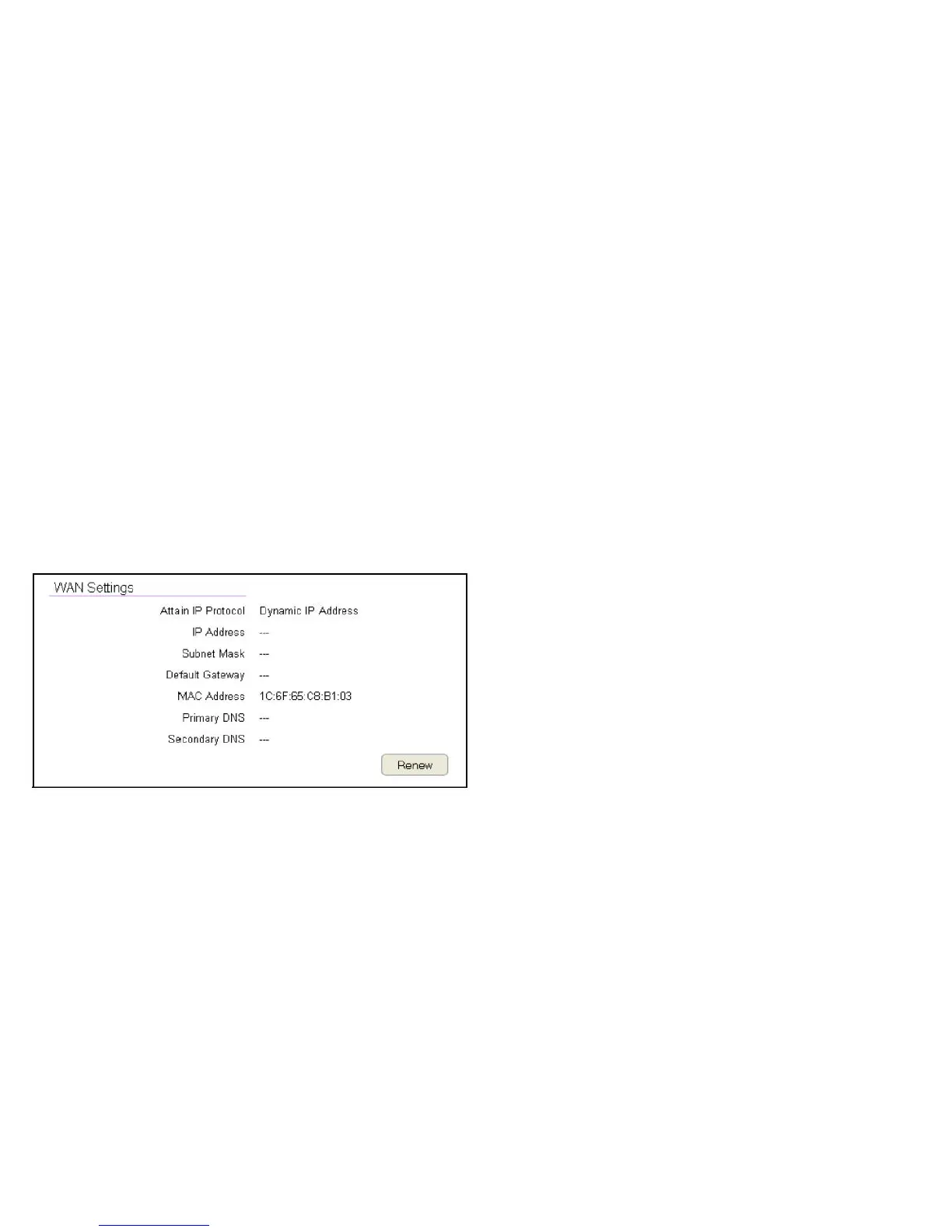
TheWANSettings,orInternetStatus,pageshowsasummaryof
the current Internet connection information. This section is also
shownontheSystemStatuspage.
ToviewtheStatussettings,clickInternet, then click Status.
WAN Settings
ToviewtheWANSettings,clickInternetthenselectStatus.
Attain IP Protocol
DisplaytheIPProtocoltypeusedfortheESRSeriesRouter
(DynamicIPAddressorStaticIPAddress).
IP Address
Therouter’sWANIPaddress.
Subnet Mask
Therouter’sWANsubnetmask.
Default Gateway
TheISP’sgatewayIPaddress.
MAC Address
Therouter’sWANMACaddress.Therouter’sMACaddressis
locatedonthelabelonthebacksideoftherouter.
Primary DNS
TheprimaryDNSaddressofanISPprovider.
Secondary DNS
ThesecondaryDNSaddressofanISPprovider.



 To Next Page