121
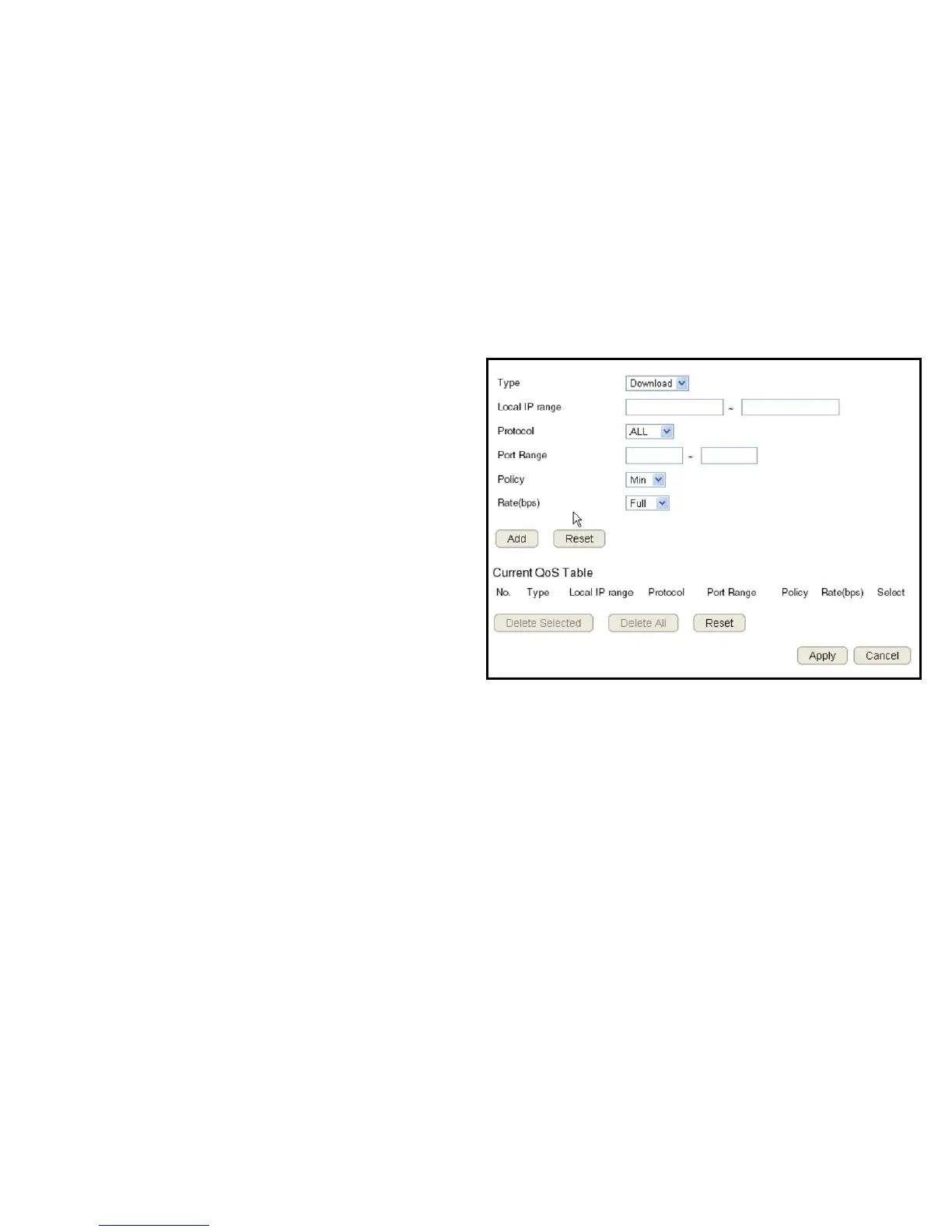
Bandwidth Allocation
Setnetworkresourceusage,forinboundandoutboundtrafc,basedonlocalIPandportranges.
Type
SelectDownloadorUploadtospecicthedirectionofpacket
trafc.
Local IP Range
EnterthelocalIPrangeofthecurrentconguration.
Protocol
Selecttheprotocoltomanageforthecurrentconguration.
Port Range
Enterthelocalportrangeofthecurrentconguration.
Policy
SelectMinorMaxtospecifythetypeofcongurationpolicy.
Rate (bps)
Selectthebandwidthrate,inbitspersecond(bps),ofthecurrentconguration.
ClickAdd tosavethesettingsandlistthecongurationinthe
CurrentQoStableorReset the discard changes.
ClickApply to save the settings or Cancel to discard changes.



 To Next Page