95
Conguring Advanced Settings
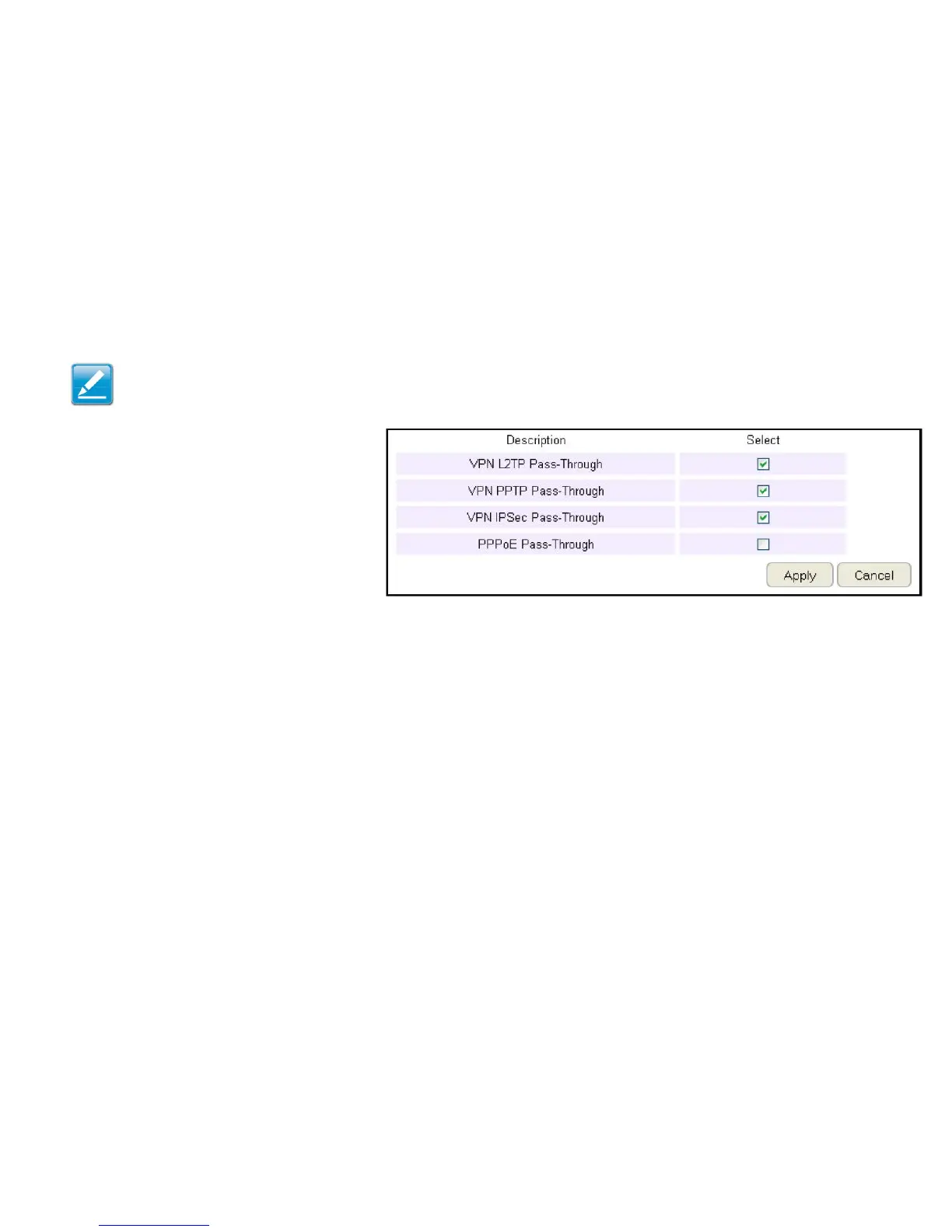
TheroutersupportsVPNpass-throughwhichallowsvirtualprivatenetworking(VPN)packetstopassthroughtherewall.
ToviewtheAdvancedsettings,clickFirewallthenselectAdvanced.
VPN L2TP Pass-through
ClickSelecttoallowanL2TPconnectionmethod
overaVPN.
VPN PPTP Pass-through
ClickSelecttoallowaPPTPconnectionmethod
overaVPN.
VPN IPSec Pass-through
ClickSelecttoallowanIPSecconnectionmethodoveraVPN.
IPv6 Pass-through
ClickSelecttoallowIPv6packetstopassthroughtherewall.
PPPoE Pass-through
ClickSelecttoallowaPPPoEpacketstopassthroughtherewall.
ClickApply to save the settings or Cancel to discard changes.
Note: VPNL2TPPass-through,VPNPPTPPass-through,and
VPNIPSecPass-throughareenabledbyfactorydefault.



 To Next Page