59
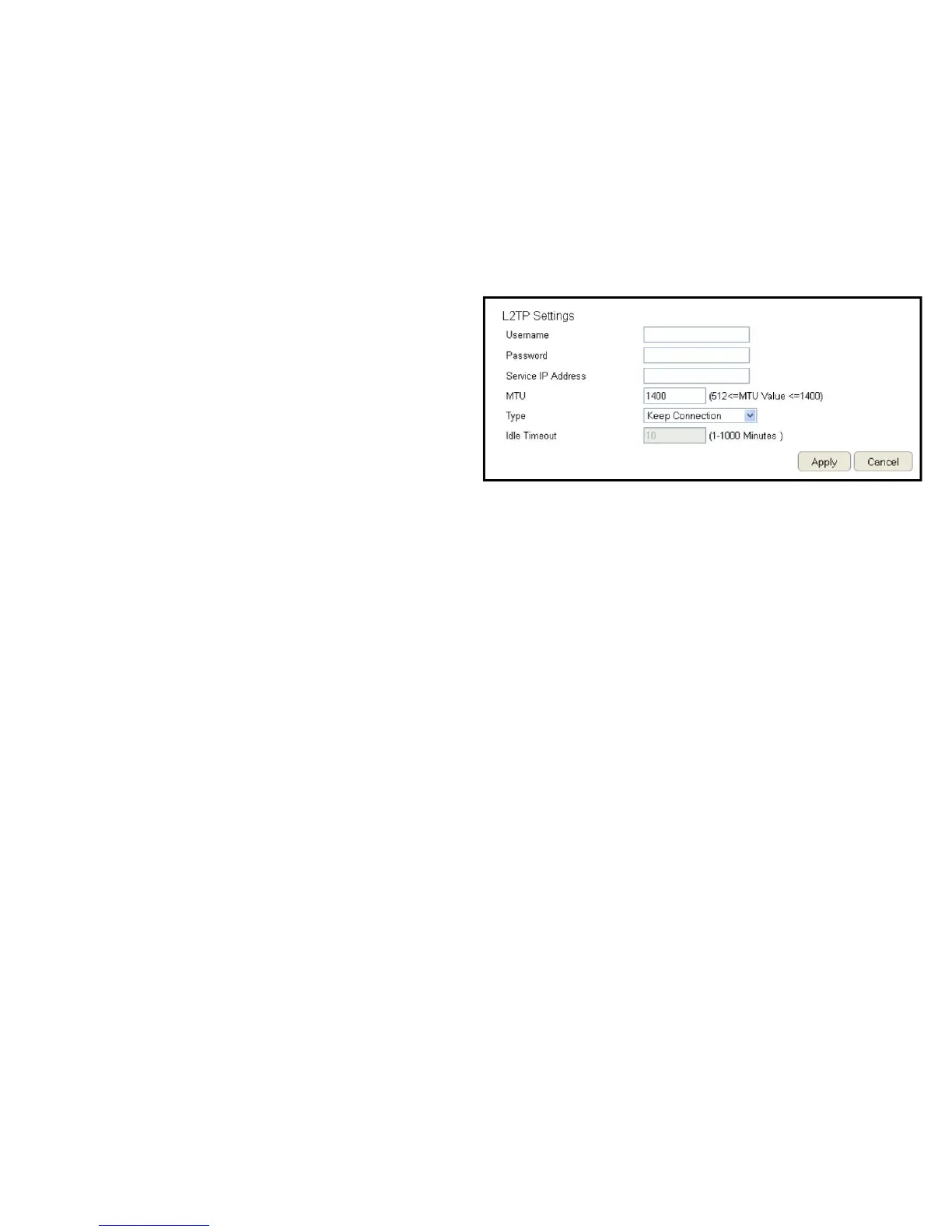
L2TP Settings
Username
EntertheusernameassignedbyanISP.
Password
EnterthepasswordassignedbyanISP.
Service IP Address
EntertheL2TPserverIPaddressprovidedbyanISP.
Connection ID
EntertheconnectionIDprovidedbyanISP(optional).
MTU (Maximum Transmission Unit)
EnterMTU.TheMTUspeciesthelargestpacketsize(Default:
1460)permittedforanInternettransmission.TheMTUsizecan
besetbetween512and1492.
Type
Conguretheconnectiontypebetweentherouterandthe
ISP.Selectoneofthefollowing:Keep Connection, Automatic
Connection or Manual Connection.
Idle Timeout
Congurethemaximumamountoftime,inminutes,allowedfor
inactiveInternetconnection.TheInternetconnectionwillbe
droppedwhenthemaximumidletimeisreached.Validvaluesare
betweenoneandonethousand.
ClickApply to save the settings or Cancel to discard the changes.



 To Next Page