50
Conguring IP Cameras
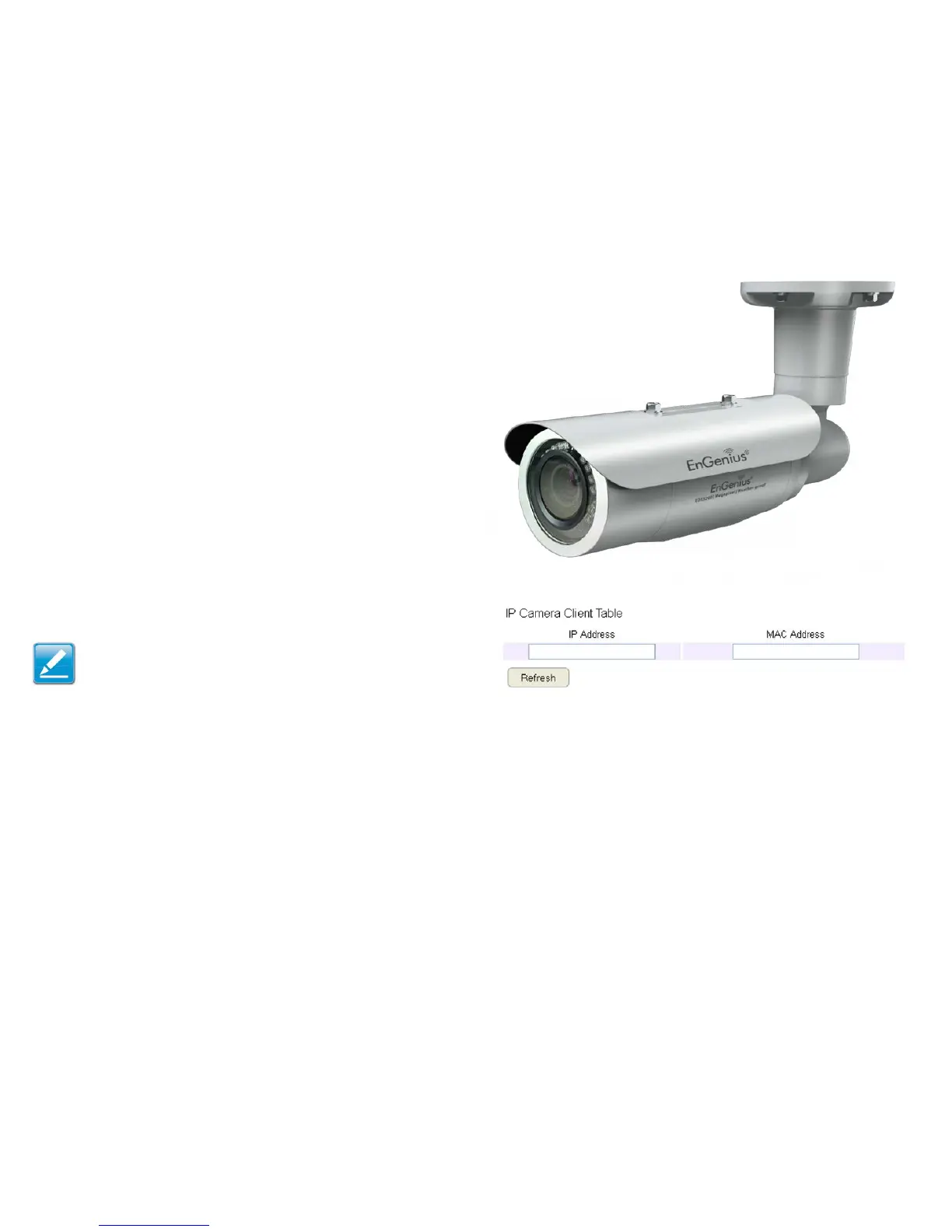
ThisESRroutersupportsuptofour(4)EnGeniusIPCameras
simultaneously.IfnoIPCameraisdetected,pleasecheckthatthe
IPCamera’sIPaddressandUPnPclientareconguredcorrectly.
ToviewtheIPCamerasettings,clickSystem, then click IP
Camera.
Beforestartingthisprocedure,youmustconnectyourEnGenius
IPcameratothenetwork.
Makesurethecameraispoweredon.
ClicktheRefreshbuttontoviewalistingofavailabledevices.
Note:The"IPCamera"functionsupportsEnGeniusIP
Cameraproductsonly.



 To Next Page