61
Wireless LAN Setup
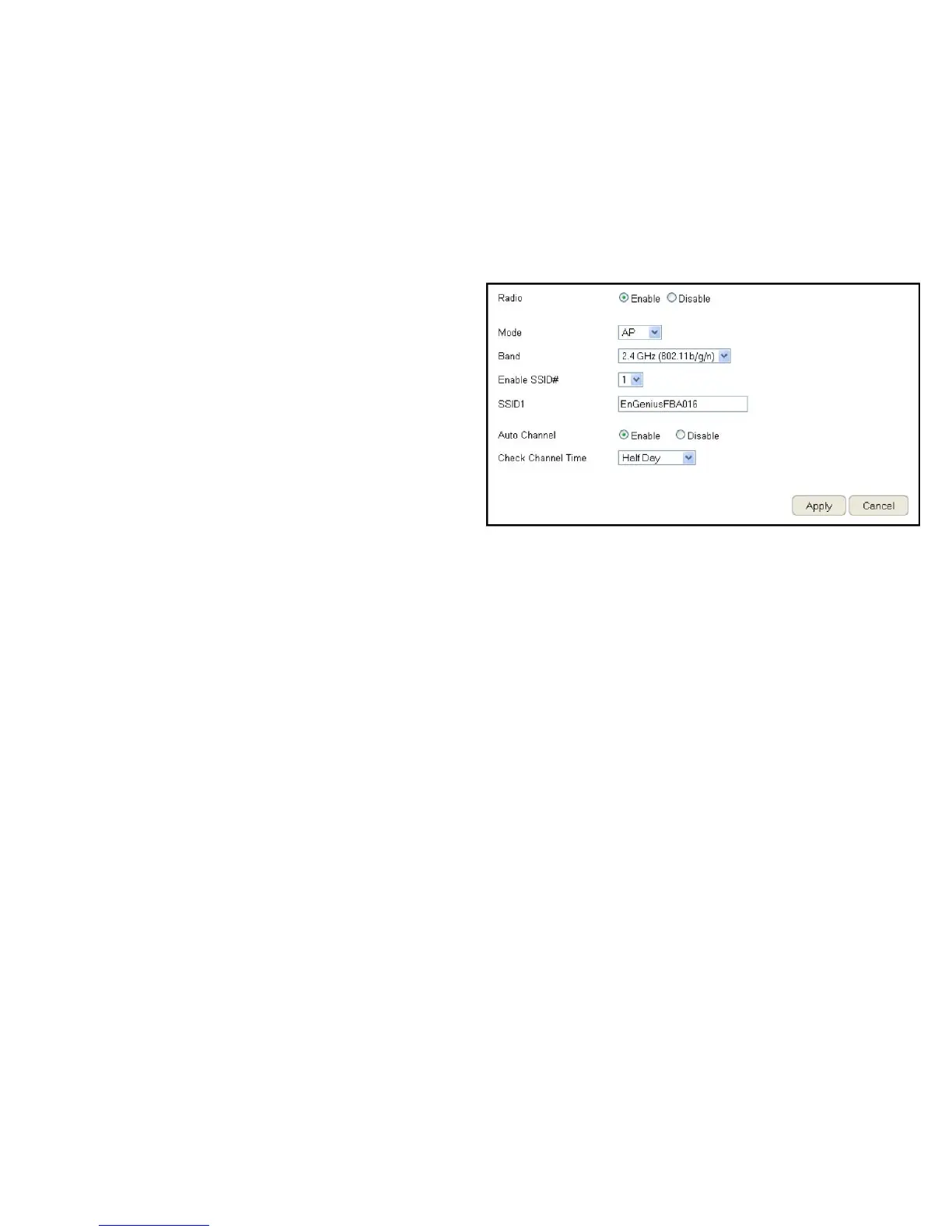
ToviewtheWirelessBasicsettings,clickWireless then select
Basic.
Radio
Enableordisablethewirelessradio.Ifthewirelessradiois
disabled,wirelessaccesspointsarenotavailable.
Mode
Selectthewirelessoperatingmodefortherouter.Twomodes
areavailable:AccessPointorWirelessDistributionSystem(WDS)
mode.
AP (Access Point)
Providesaconnectionaccesspointforwirelessdevices.
WDS (Wireless Distribution System)
Allowsthewirelessnetworktobeexpandedusingmultiple
accesspointswithoutwiredconnections.
ClickApply to save the settings or Cancel to discard changes.



 To Next Page