74
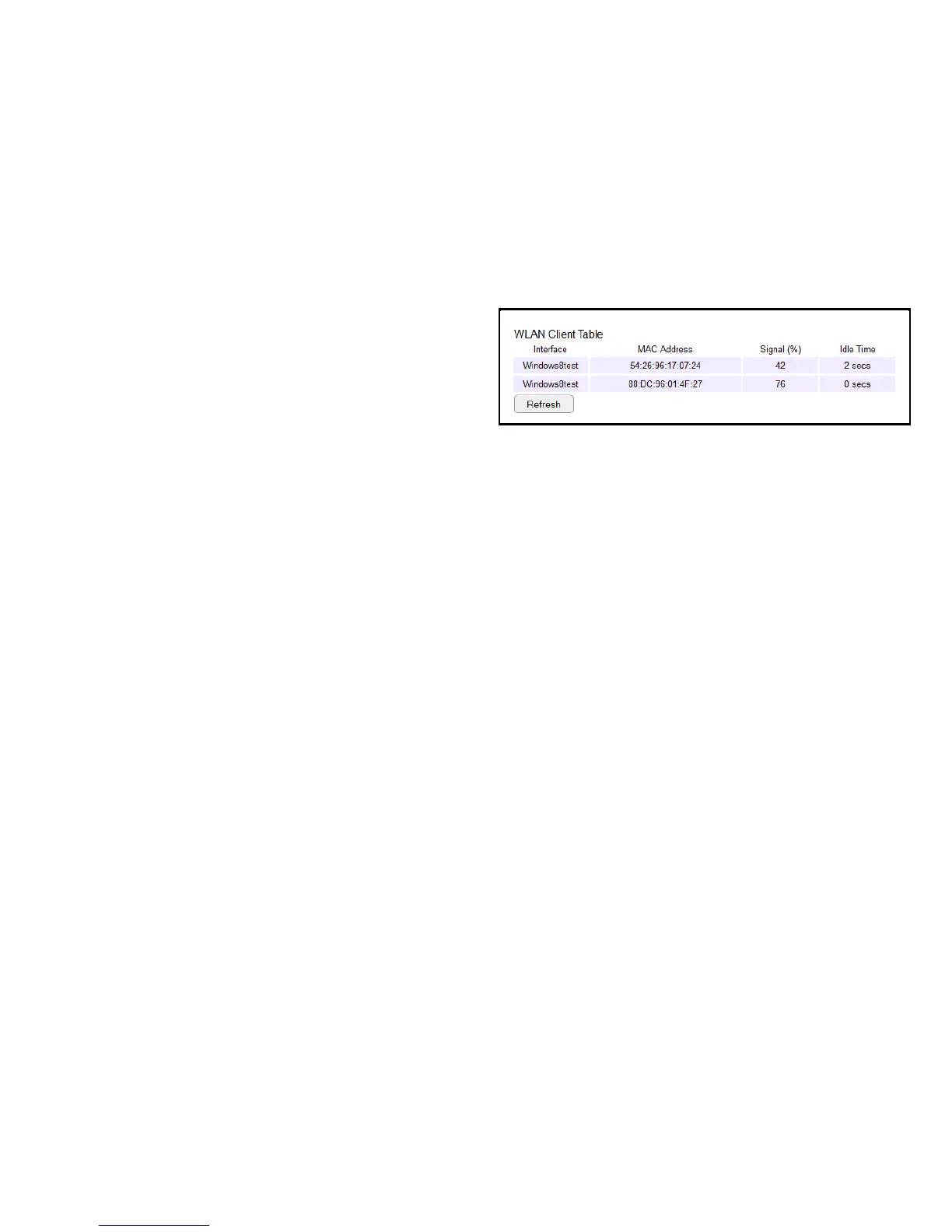
Conguring Client List
Viewthewirelessdevicescurrentlyconnectedtotherouter.
ToviewtheClientListsettings,clickWirelessthenselectClient
List.
Interface
Thetypeofnetworkconnectedtothedevice.
MAC Address
TheMACaddressofdeviceconnectedtonetwork.
Signal
Thesignalstrengthofthedeviceconnectedtothenetwork.
Idle Time
Theamountoftimetheconnecteddevicehasnotbeenactiveon
thenetwork.
ClickRefreshtorellthelistwithcurrentlyconnecteddevices.



 To Next Page