79
Adding a Control Policy
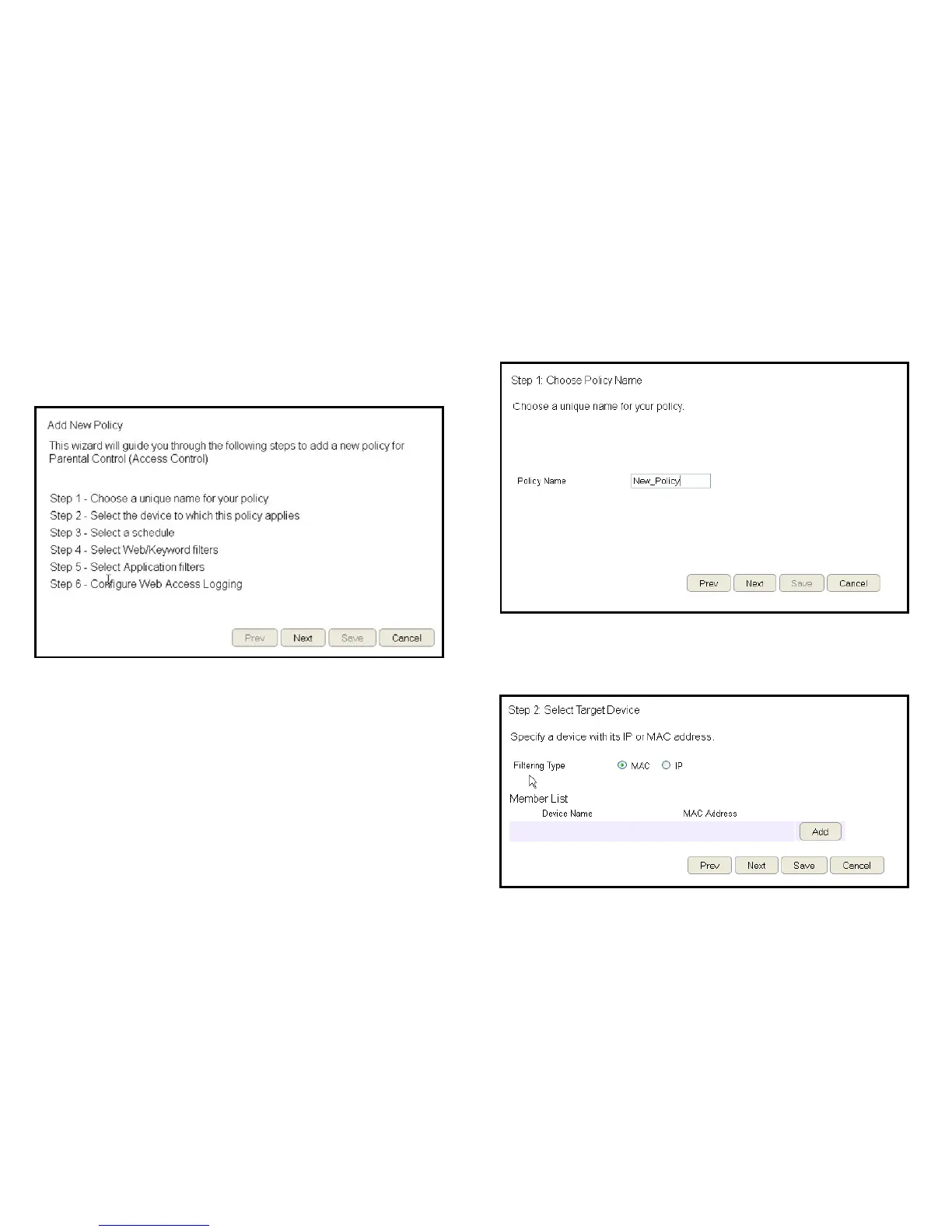
Therouterprovidesawizardtoguideyouthroughsettingupa
newAccessControlPolicy.
To start the procedure, click the Add Policybutton.
ClickNext to continue the procedure or Cancel to stop the
procedure.
Theprocedureconsistsofthefollowingsteps:
1.EnterauniquenameforyourpolicyinthePolicyName
texteld.
2.ClickPrevtoreturntothepreviousscreen,Nexttocontinue
theprocedure,orCanceltostoptheprocedure.
3. Add target devices to the access control policy.



 To Next Page