44
Conguring Dynamic Host Conguration Protocol
ThiswindowallowsyoutoviewandcongureDynamicHostCongurationProtocol(DHCP)addresses.
WARNING! Donotmodifythesettingsinthissectionwithoutathoroughunderstandingoftheparameters.
ToviewtheDHCPsettings,clickSystem then click DHCP.
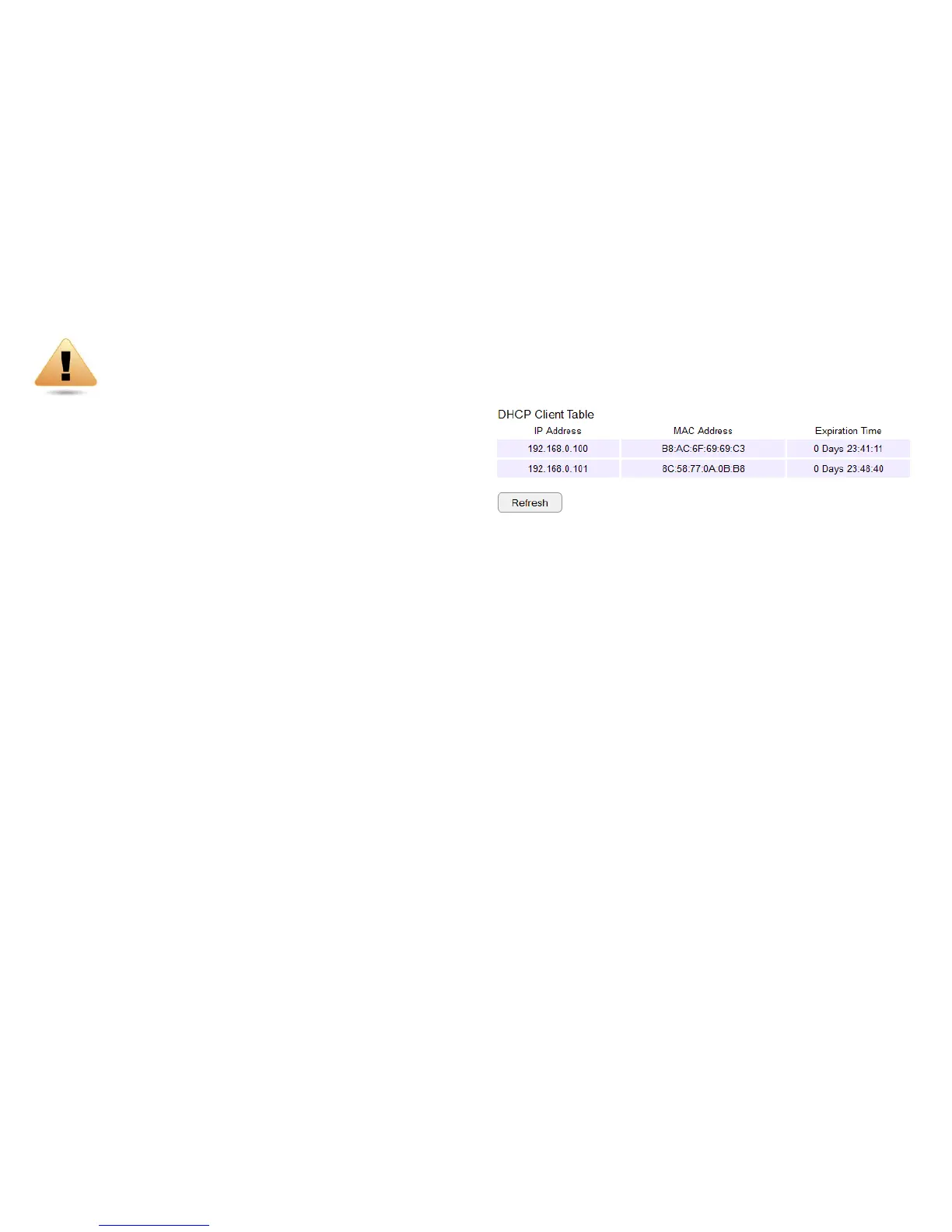
DHCP Client Table
DisplaystheconnectedDHCPclientswhoseIPaddressesare
assignedbytheDHCPserveroftherouter.
IP Address
DisplaystheIPaddressofthestaticDHCPclientdevice
inthetable.
MAC Address
DisplaystheMACaddressofthestaticDHCPclientdevice
inthetable.
Expiration Time
ThedateandtimewhenthecurrentDHCPaddress
is no longer valid.
ClickRefreshtoupdatethetable.



 To Next Page