30
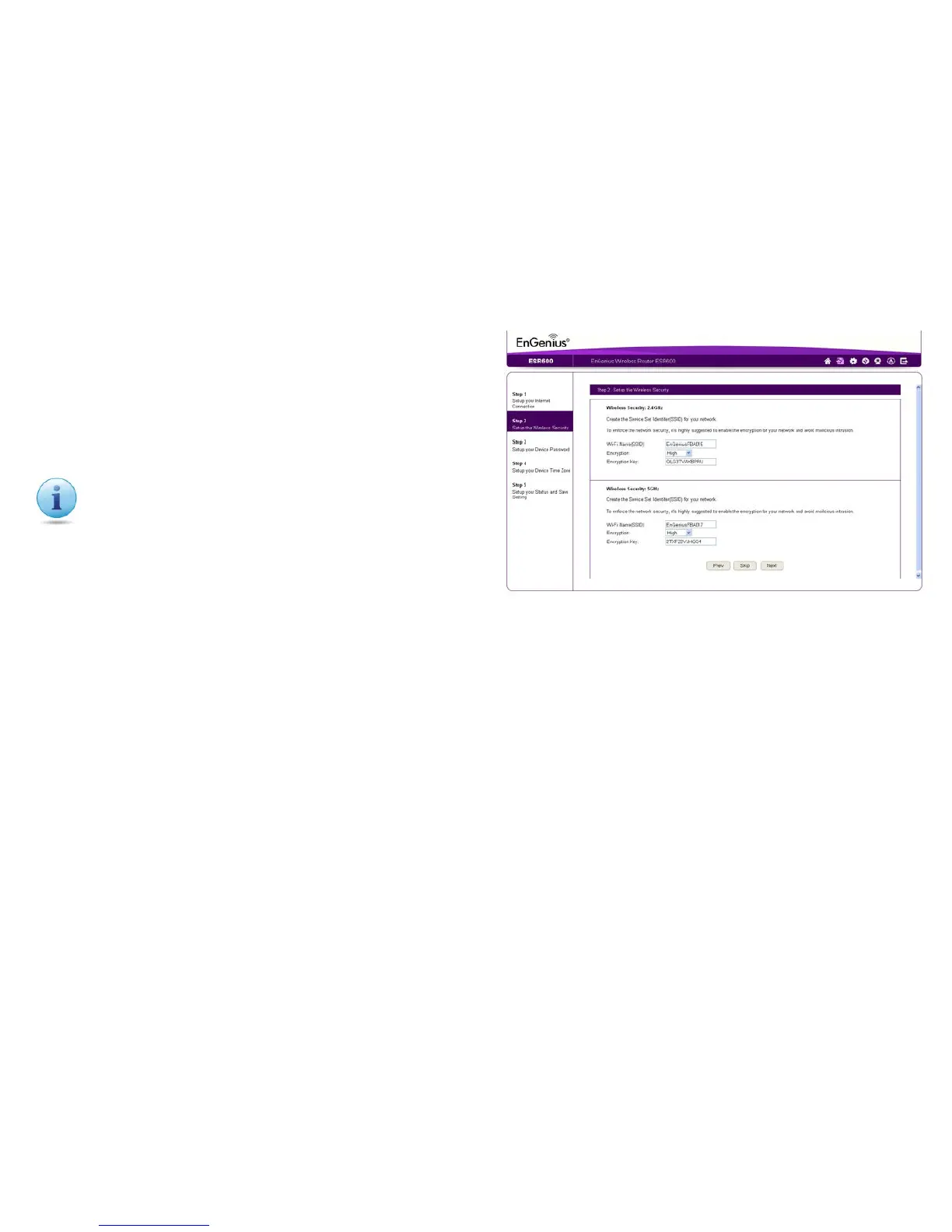
Settingwirelessencryptionfor2.4GHzand5GHznetworks.
Toencryptthewirelesssignalsforeitherorbothofthefrequency
bandsintheESR600router,followthesesteps:
1.EntertherouternameinthewirelessName(SSID)texteld.
2.SelectthesecuritylevelfromtheEncryptiondropdownlist.
3.EnterapasswordintheEncryptionKeytexteld.
4.Repeatsteps1through3toencryptthe5GHzband
5.ClickNext to continue, Prev to return to the previous screen, or
Cancel to stop the procedure.
Setting Your Wireless Security
Important:Toensurethenetworkissecure,itis
recommended to select High for an encryption level.



 To Next Page