71
Conguring Filters
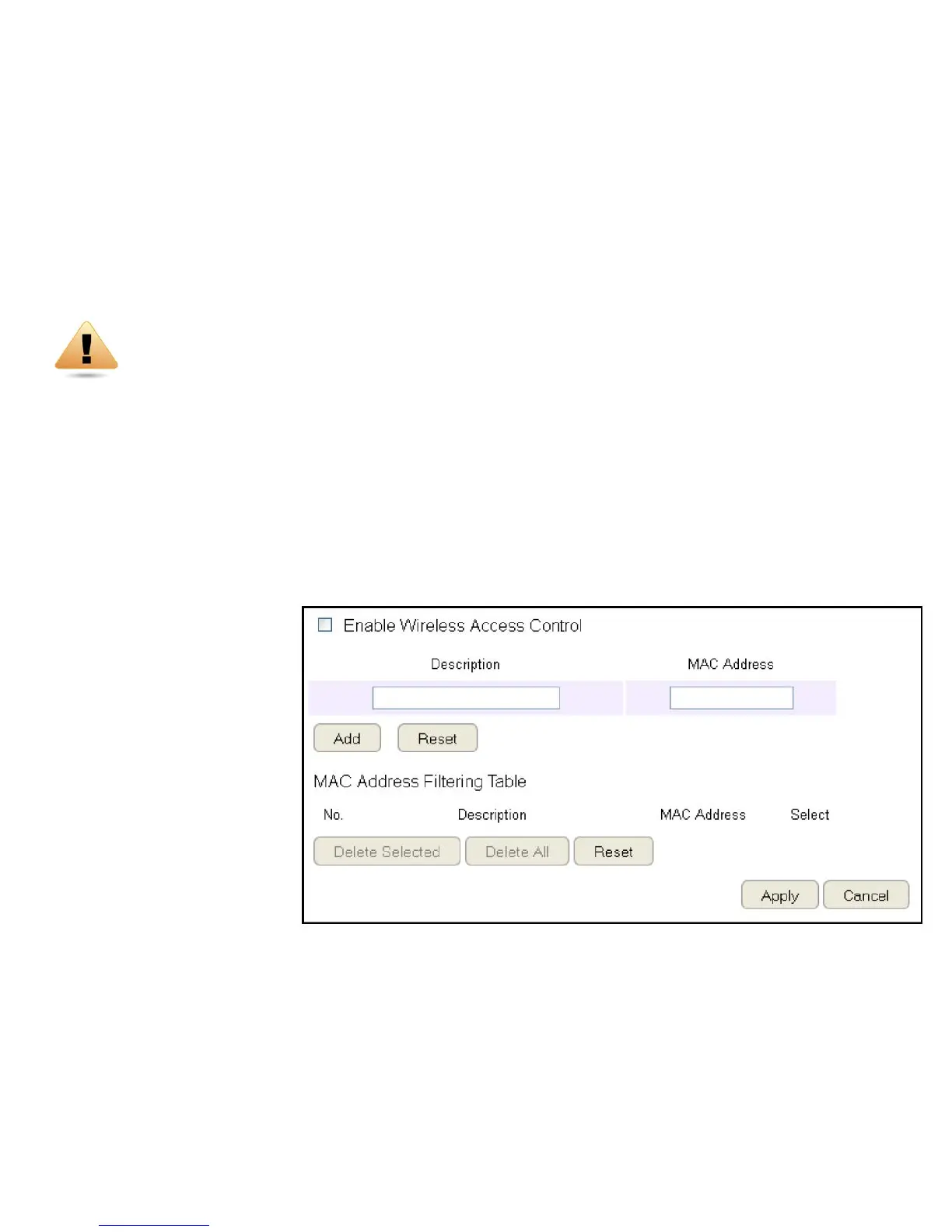
WhenEnableWirelessAccessControlisselected,onlywirelessclientswithMACaddresseslistedinthetableareallowedtoconnect
tothewirelessnetwork.
ToviewtheFiltersettings,clickWireless then select Filter.
Enabling Wireless Access Control
Select“EnableWirelessAccessControl”
Description
Enter a description of the device
allowedtoconnecttothenetwork.
MAC Address
EntertheMACAddressofthe
wirelessdevice.
ClickAdd toappendanewdevice
to the list or Reset to discard changes.
WARNING! Incorrectlychangingthesesettingsmaycausethedevicetostopfunctioning.Do
notmodifythesettingsinthissectionwithoutathoroughunderstandingoftheparameters.



 To Next Page