86
IPv6
Thereareseveralconnectiontypestochoosefrom:AutoDetection,StaticIPv6,Autoconguration(SLAAC/DHCPv6),PPPoE,IPv6
inIPv4Tunnel,6to4,andLink-local.Ifyouareunsureofyourconnectionmethod,pleasecontactyourIPv6InternetServiceProvider.
Enabling IPv6 Settings
ToviewtheBasicsettings,clickIPv6thenselectBasic.
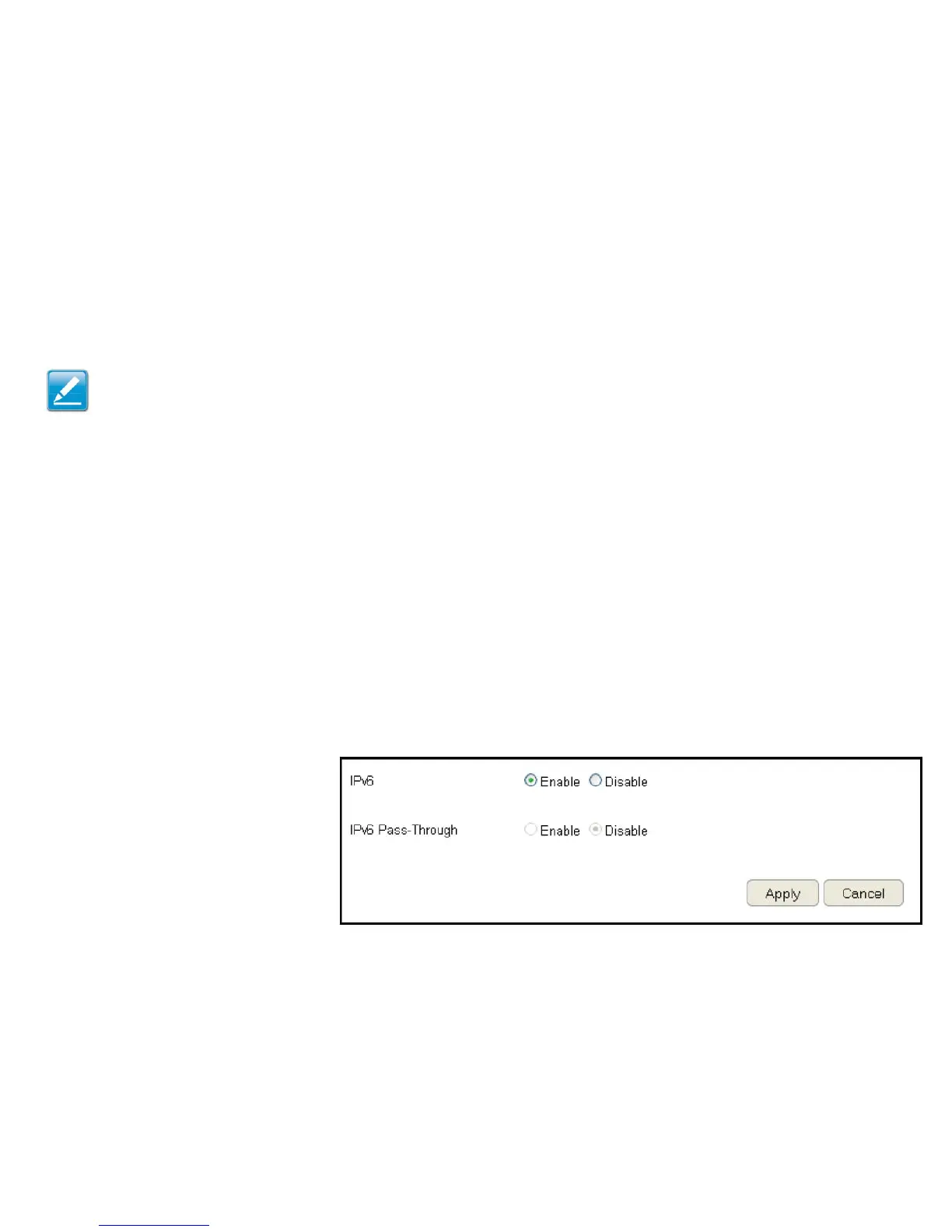
BeforeusingorconguringtheIPv6protocol,orIPv6passthrough,onanESRSeriesRouteryoumustenableit.
IPv6
SelectenabletoconguretheIPv6protocolontherouter.
IPv6 Passthrough
SelectenabletoallowIPv6passthroughfunctionality.
IPv6mustbedisabledtoenablethisfeature.
ClickApply to save the settings or Cancel to discard changes.
Note:IfyouareusingthePPPoEoption,youwillneedtoensurethatanyPPPoEclientsoftwareonyourcomputershasbeenremovedor
disabled.



 To Next Page