129
Upgrading The Router’s Firmware
Firmwareistherouter’ssystemsoftwarethatoperatesandallowstheadministratortointeractwithit.
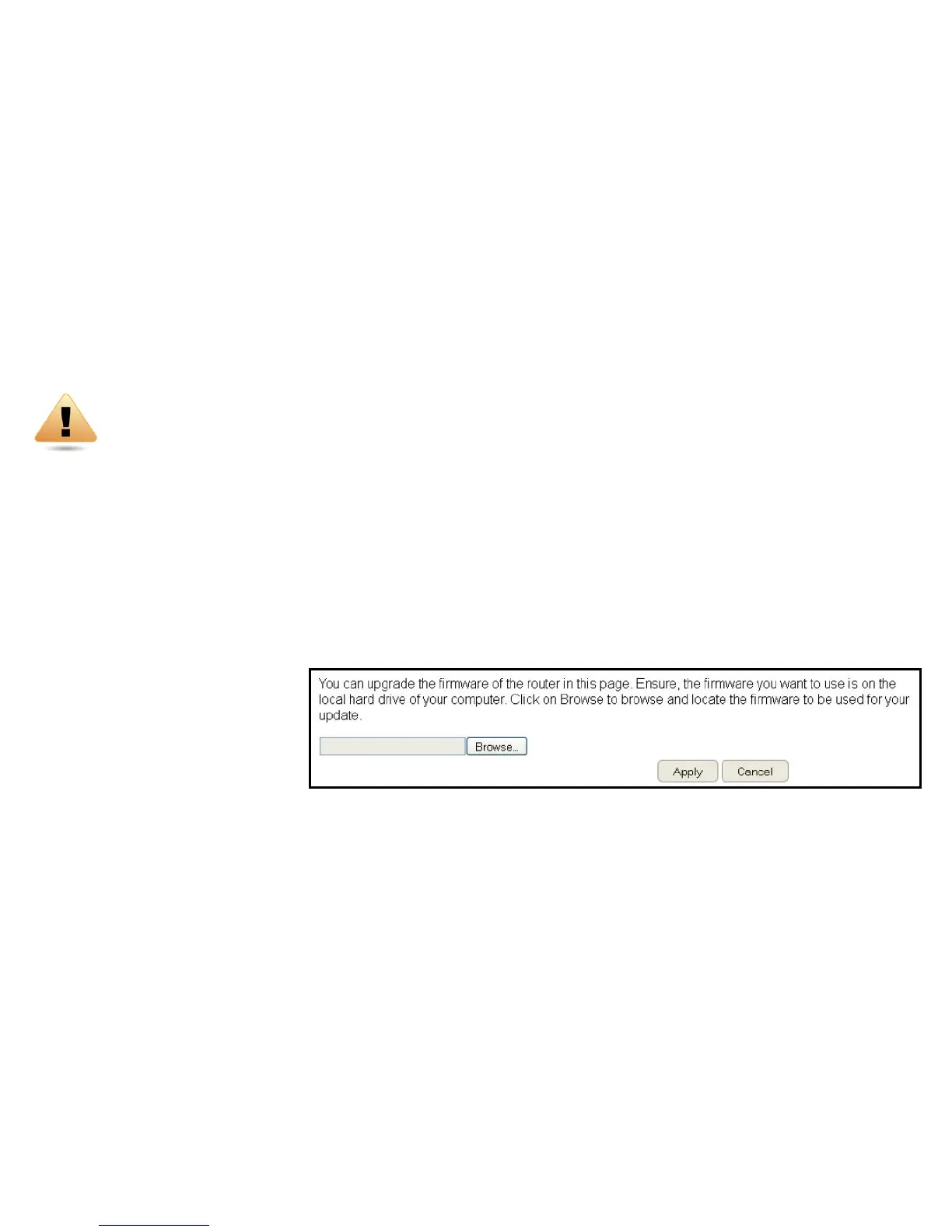
ToviewtheFirmwaresettings,clickTools then select Firmware.
WARNING! Upgradingrmwarethroughawirelessconnectionisnotrecommended.Firmwareupgradingmustbeperformedwhileconnected
toanEthernet(LANport)withallotherclientsdisconnected.
Toupdatethermwareversion,followthesesteps:
1.DownloadtheappropriatermwareapprovedbyEnGeniusfromanEnGeniuswebsite.SeetheDownloads tab on the product
page for this product.Fornewproducts,newrmwaremaynotbereadilyavailable.
2.ClickChoose File.
3.Browsethelesystemandselectthermwarele.
4.ClickApply.



 To Next Page