94
Firewall Setup
Conguring Basic Settings
ToviewtheBasicsettings,clickFirewallthenselectBasic.
TheESRSeriesRouterrewallautomaticallydetectsandblocksDenialofService(DoS)attacks.URLblocking,packetlteringand
statefulpacketinspection(SPI)arealsosupported.Thedetailsoftheattackandthetimestamparerecordedinthesecuritylog.
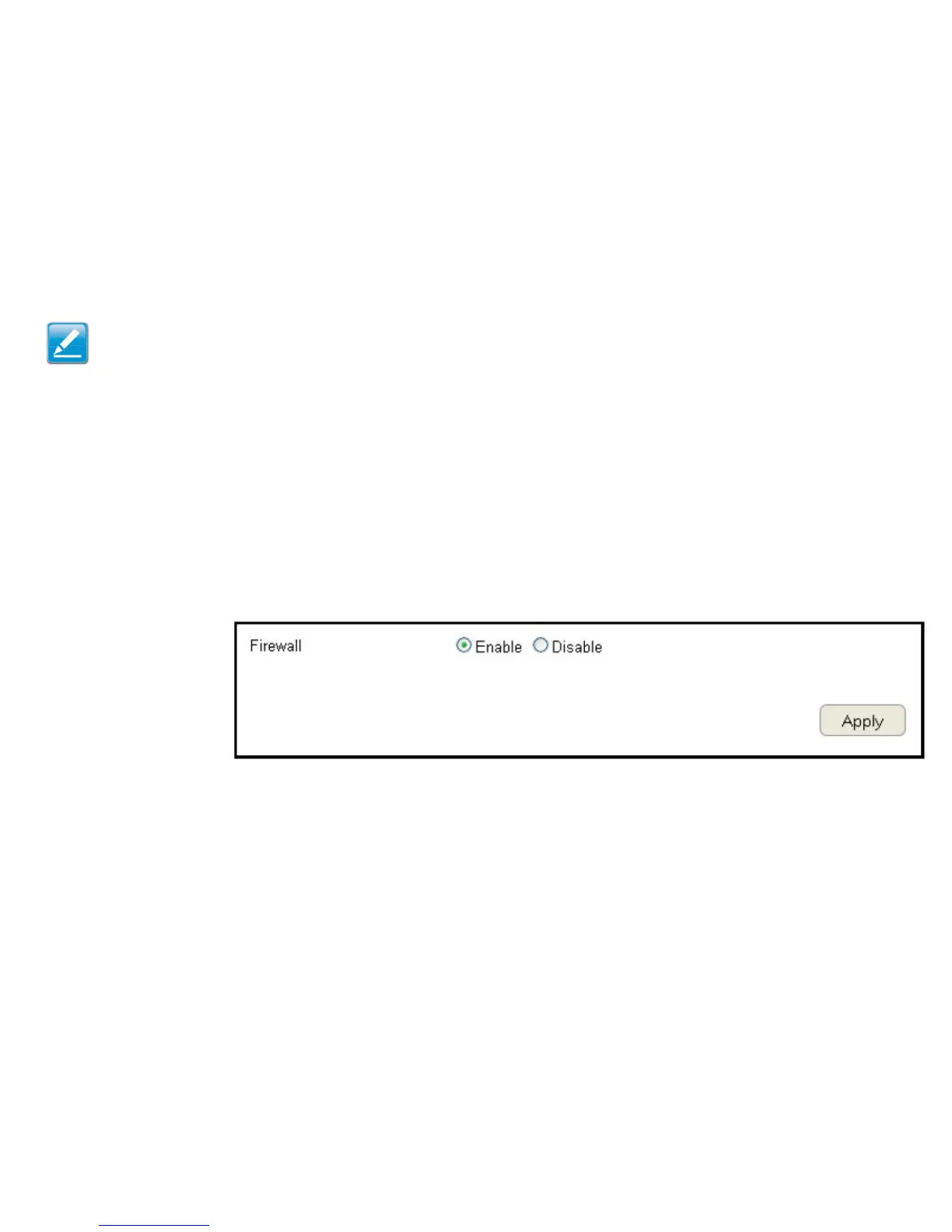
Firewall
EnableordisabletherewalloftheESRSeriesRouter.
ClickApply to save the settings or Cancel to discard changes.
Note:ThissectionappliestoClientRoutermode.



 To Next Page