56
Conguring PPTP
PPTP(Point-to-PointTunnellingProtocol)isusedinassociation
withvirtualprivatenetworks(VPNs).Therearetwopartsto
aPPTPconnection:theWANinterfacesettingsandthePPTP
settings.
ToviewthePPTPsettings,clickInternet, then click PPTP.
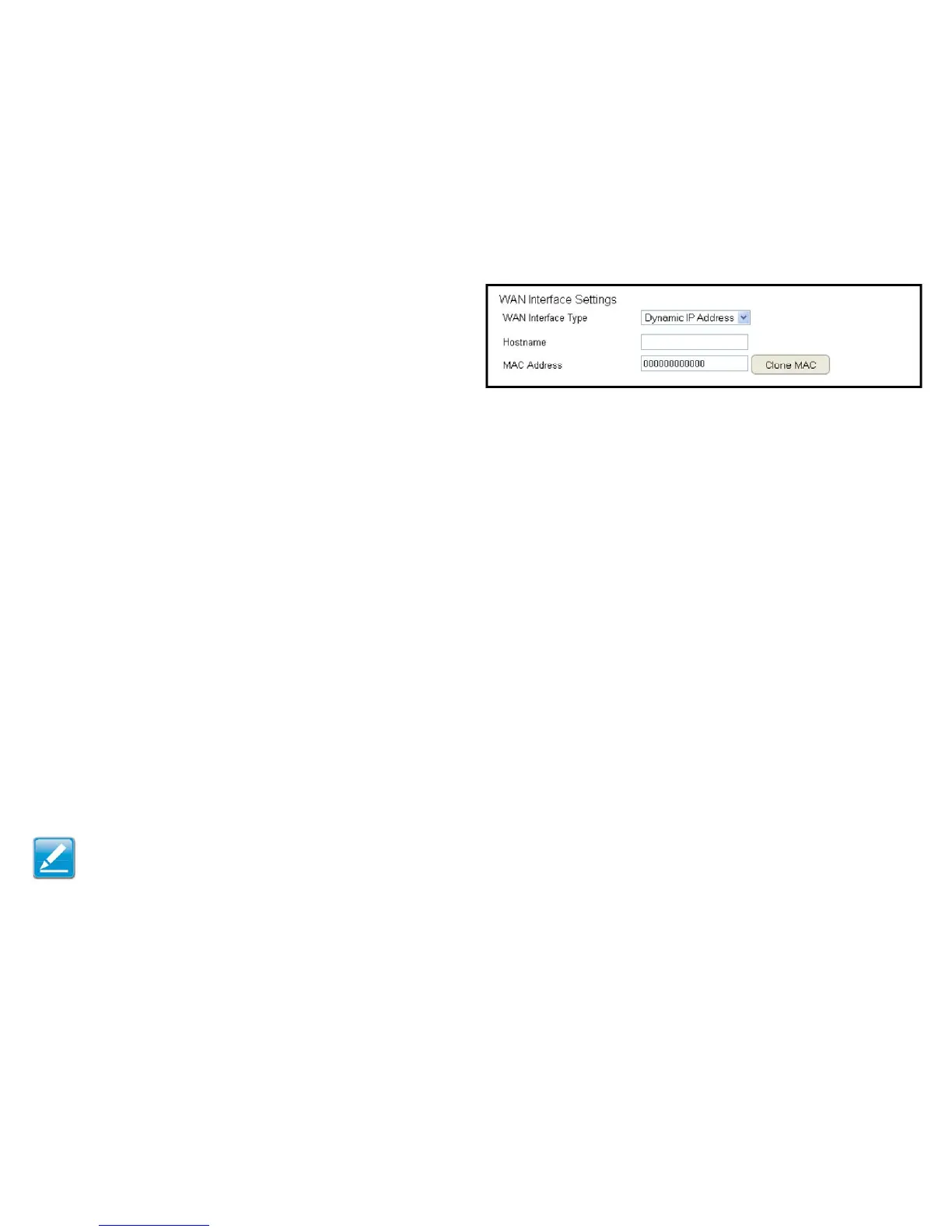
WAN Interface Settings
Dynamic IP Address
WAN Interface Type
SelectDynamicIPAddresstoassignanIPaddressprovidedbyan
ISP.
Hostname
EnterahostnameofanISP.(optional).
Clone MAC
EntertheMACaddressofthecomputer’s(ortablet’s)embedded
NetworkInterfaceCard(NIC)intheMACaddresseldandclick
Clone MAC.
Note: SomeISPprovidersrequireregisteringtheMACaddressof
thenetworkinterfacecard(NIC)connecteddirectlytothecableor
DSLmodem.CloneMACmaskstherouter’sMACaddresswiththe
MACaddressofthecomputer’sNIC.



 To Next Page