58
Conguring L2TP
L2TP(Layer2TunnelingProtocol)isusedinassociationwith
VPNs(VirtualPrivateNetworks).TherearetwopartstoaL2TP
connection:
1.TheWANinterfacesettings
and
2. The L2TP settings.
ToviewtheL2TPsettings,clickInternet, then click L2TP.
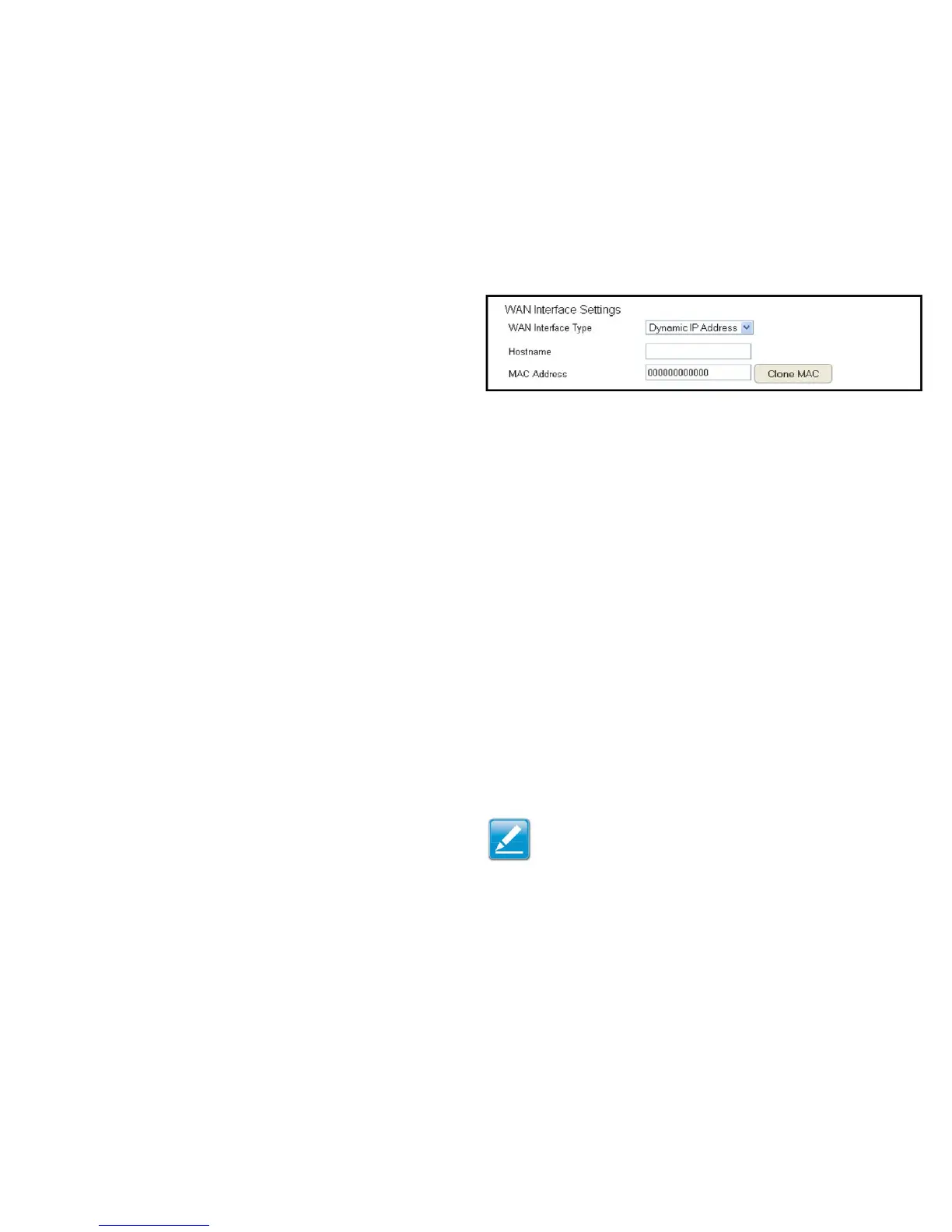
WAN Interface Settings
Dynamic IP Address
WAN Interface Type
SelectDynamicIPAddresstoassignanIPaddressprovidedbyan
ISP.
Hostname
EnterahostnameofanISP(optional).
Clone MAC
EntertheMACaddressofyourcomputer’sembeddedNetwork
InterfaceCard(NIC)intheMACaddresseldandclickClone MAC.
Note: SomeISPprovidersrequireregisteringtheMACaddress
ofthenetworkinterfacecard(NIC)connecteddirectlyto
thecableorDSLmodem.CloneMACmaskstherouter’sMAC
addresswiththeMACaddressofthecomputer’sNIC.



 To Next Page