83
Guest Network
TheGuestNetworkfunctionenablesyoutoofferInternetconnectivitytovisitorsorguestswhilekeepingothernetworkeddevices
(computersandharddrives)andsensitivepersonalorcompanyinformationprivateandsecure.
TheGuestNetworkiscontrolledbytheWirelessSSIDfunction.WhentheGuestNetworkfunctionisenabled,theGuestSSIDcan
onlygettheinternetconnectionfromWAN,butcannotreachtheclientfromtheLANport.
Enabling the Guest Network
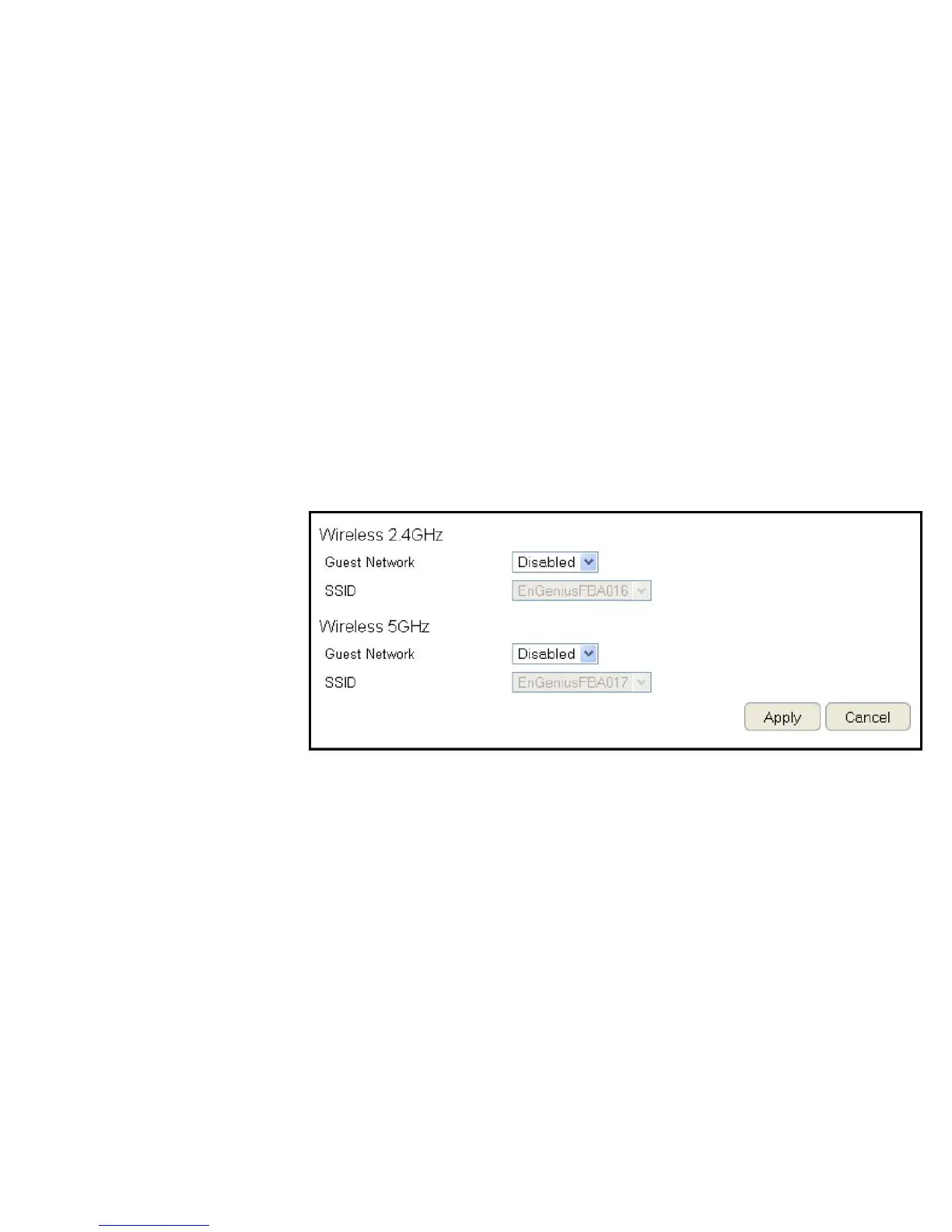
ToviewtheSelectionsettings,clickGuest Network then select Selection.
Guest Network
EnableorDisabletheGuestNetwork
function
Client Isolation
Guestclientsareisolatedandcannot
communicatewitheachother.
SSID
ChooseaSSIDfortheGuestNetwork
used.TheSSIDcanbedenedfromtheWirelesssettingpage.
ClickApply to save the settings or Cancel to discard changes.



 To Next Page