29
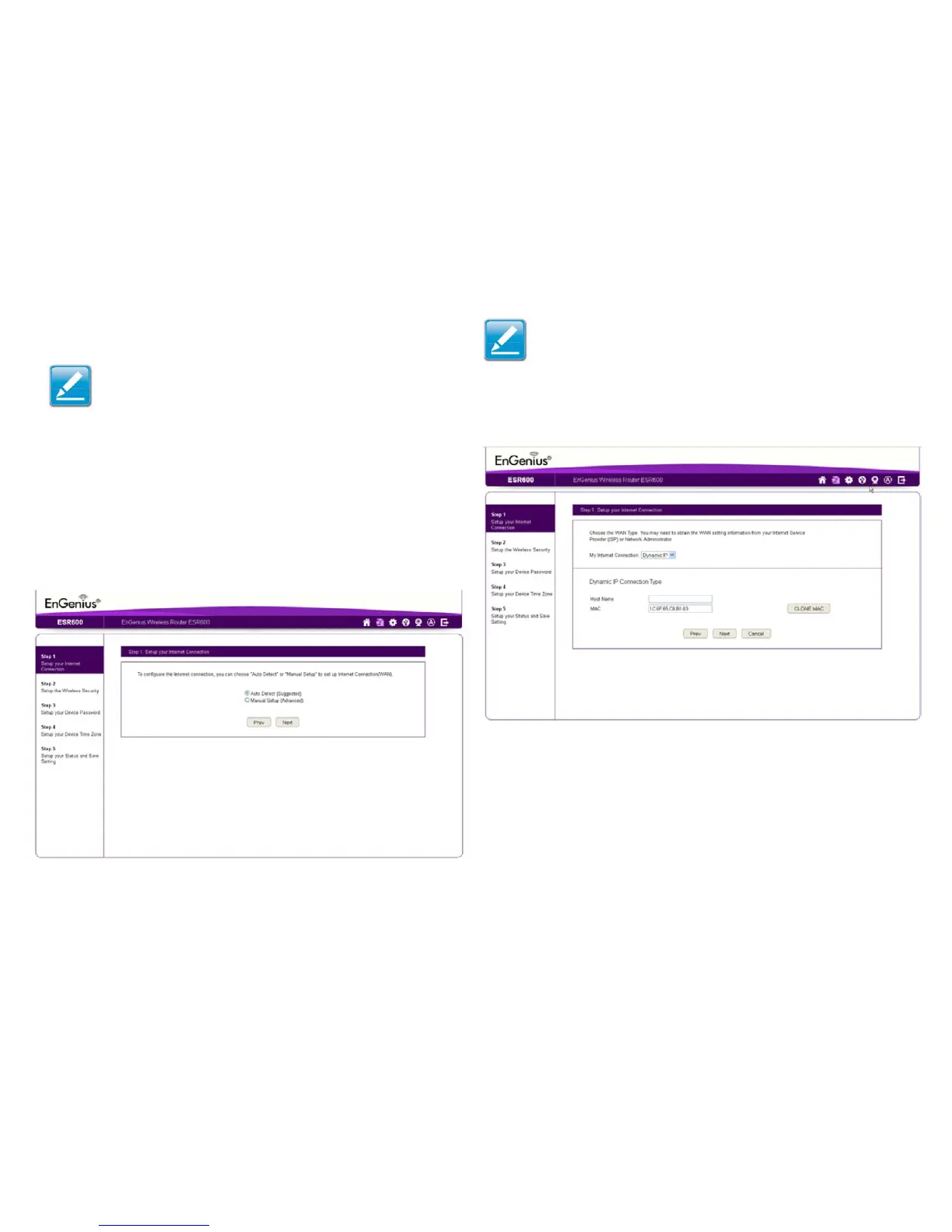
1.DecidehowtosetuptheInternetconnection.
Note:It is recommended to let the device setup the Internet
connection automatically.
• Select Auto DetecttolettheWizardsetuptheInternet
connection.
• Select Manual Setup to set the properties yourself.
2.ClickNext to continue or Prev to return to the previous
screen.
If you selected Manual Setup,followthesesteps:
3. Select the Internet connection type and enter the
connection properties.
Setting Up Your Internet Connection
Note:TheconnectiontypesavailablearestaticIP,PPPoE,
DynamicIP,PPTP,andL2TP.
4.ClickNext to continue, Prev to return to the previous
screen, or Cancel to stop the procedure.



 To Next Page