Setup & Operation 14. Option : Teach Pendant TP1
94 RC620 Rev.8
14.3 TEACH Mode
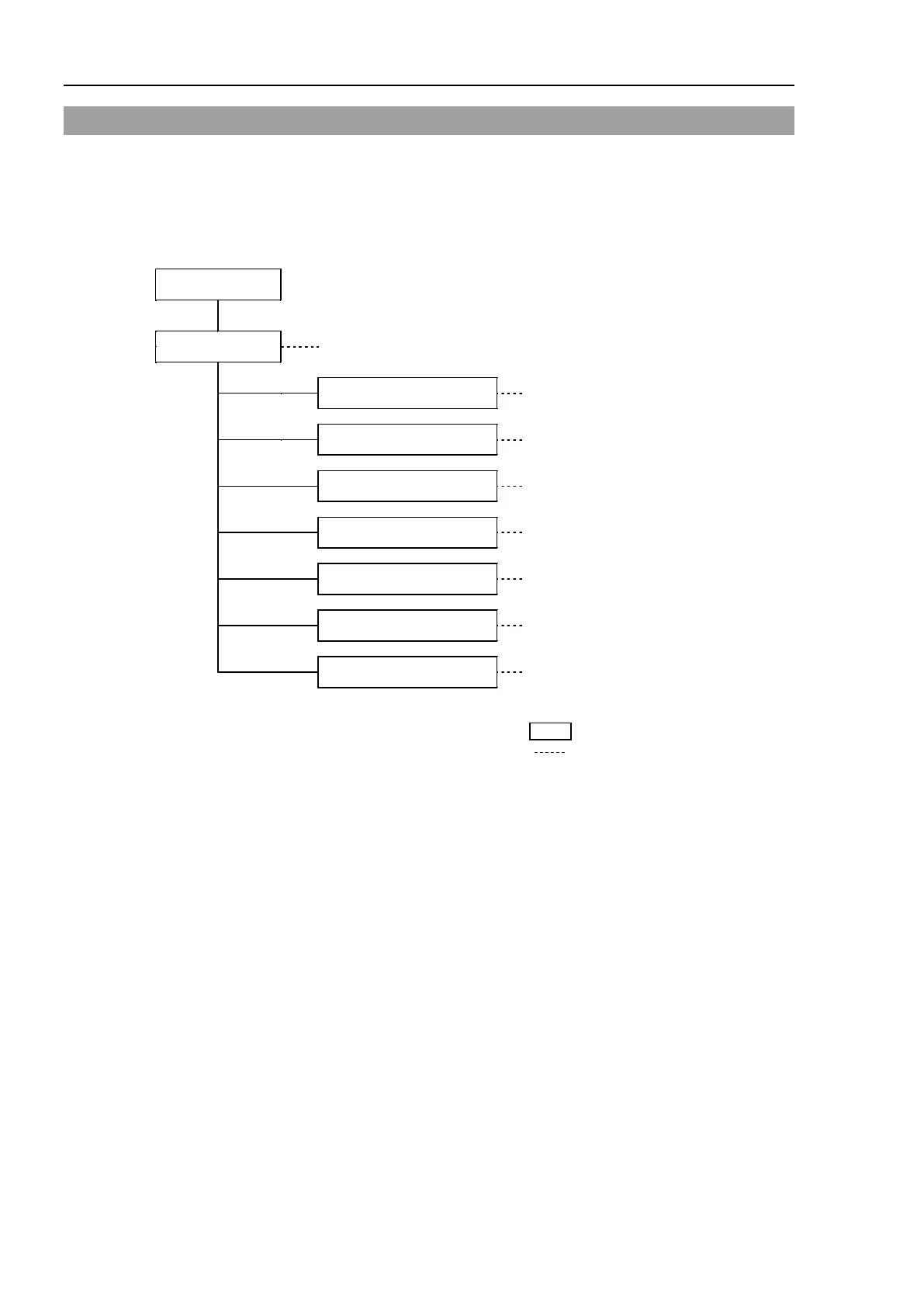
Switch the mode selector key switch to “Teach” to enter the TEACH mode. In this mode,
jog, teaching, operation commands, I/O commands, and other operations and commands
can be executed using the Teach Pendant.
Note, however, that the program cluster cannot be executed.
13.3.8 Brake
(For 6-Axis robots)
F1-F8 : Function key
NAME : Screen name
: Reference section
A coordinate point including the arm pose is defined as “position (point),” and the data is
called “point data.”



 To Next Page