Maintenance 6. Maintenance Parts Replacement Procedures
196 RC620 Rev.8
6.7 PCI Board
Board
Turn OFF the Controller and unplug the power connector.
Disconnect the external cables from the
PCI Board if they are connected.
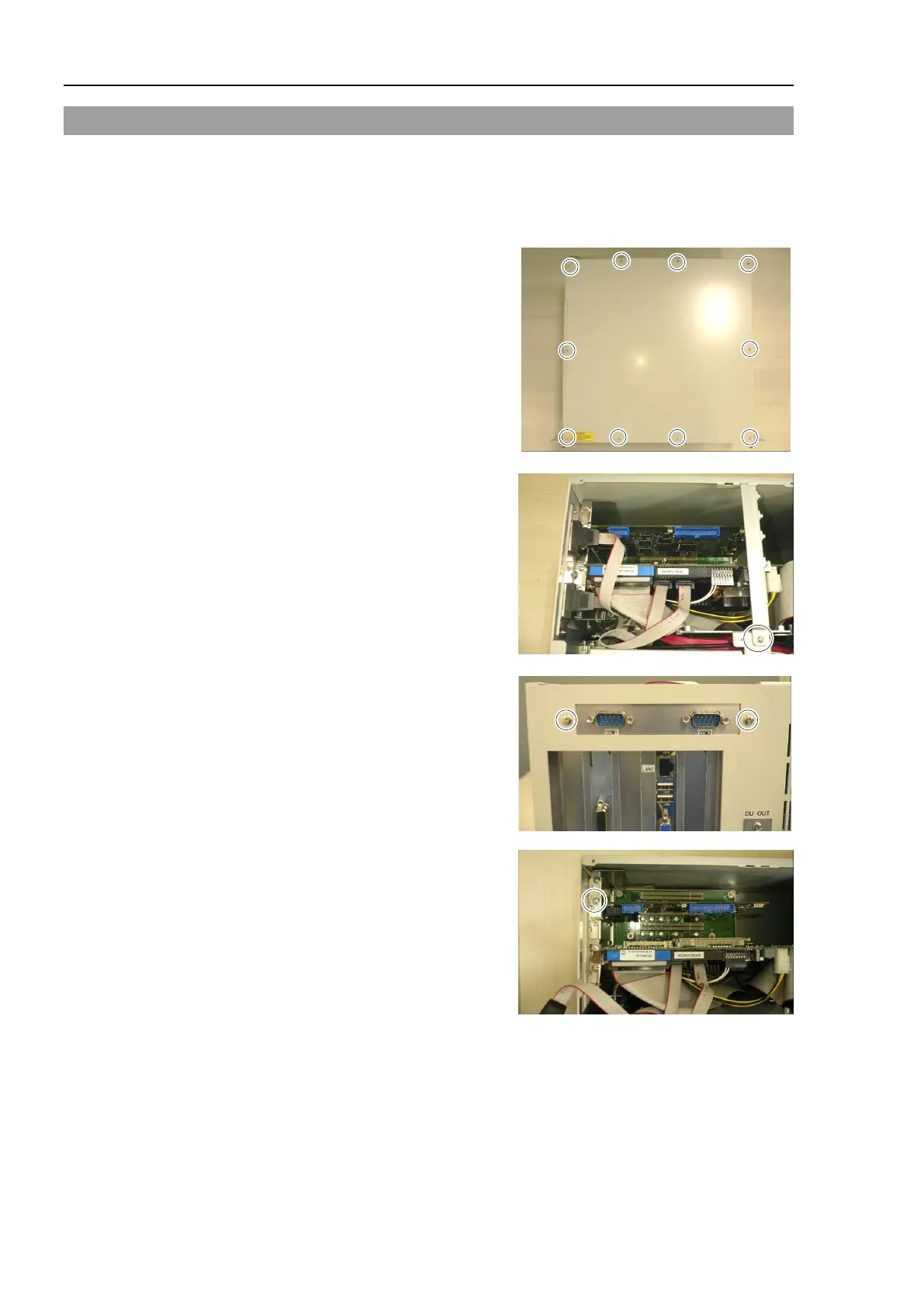
top panel.
CPU holder
assembly and remove the holder
assembly.
CPU (Faster) is connected:
Remove 2 screws of COM panel
attached on the
back panel.
Remove a screw securing the
PCI
on the Controller rear side.
PCI Board from the PCI-BPB slot.



 To Next Page