Maintenance 6. Maintenance Parts Replacement Procedures
RC620 Rev.8 151
6.2 Battery
6.2.1 Replacing the Battery (Lithium Battery)
CAUTION
Lithium batteries contain flammable materials such as lithium, organic
solvents, etc. If misused, batteries may generate heat, explode or catch
fire. Observe the following precautions for safe use of lithium batteries.
- Be sure to use the battery supplied as the maintenance parts from
EPSON. (Refer to Maintenance 9. Maintenance Parts List.)
- Do not allow the positive (+) and negative (-) electrodes to short circuit.
- Do not discard batteries into fire or heat them to high temperature.
- Do not disassemble or alter batteries.
- Do not apply a strong shock to the battery.
- Stop using the battery if you see any signs of change of color or
damage to the battery.
- When discarding batteries, insulate the terminals by wrapping them
with tape, etc.
- Discarding batteries according to the regulations.
battery
replacement, turn on the controller for approximately one minute in
order to charge the data saving
capacitor.
battery replacement within 10 minutes to prevent data loss.
Backup the Controller data.
Refer to Maintenance 4. Backup and Restore.
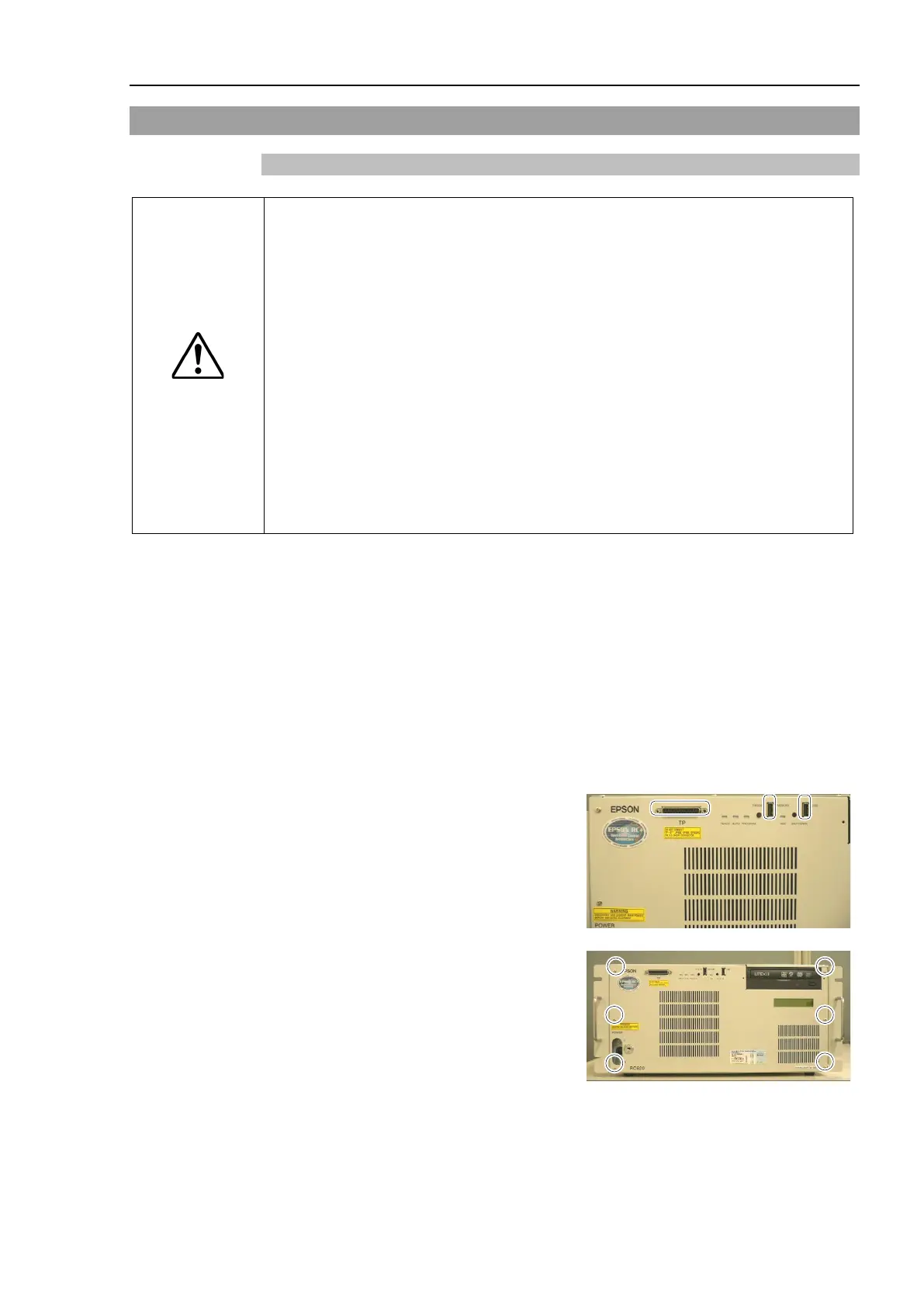
Remove cables from TP port and USB
port on the front panel if they are
connected.
Remove 6 screws and the front panel.



 To Next Page