Setup & Operation 11. R-I/O Connector
RC620 Rev.8 59
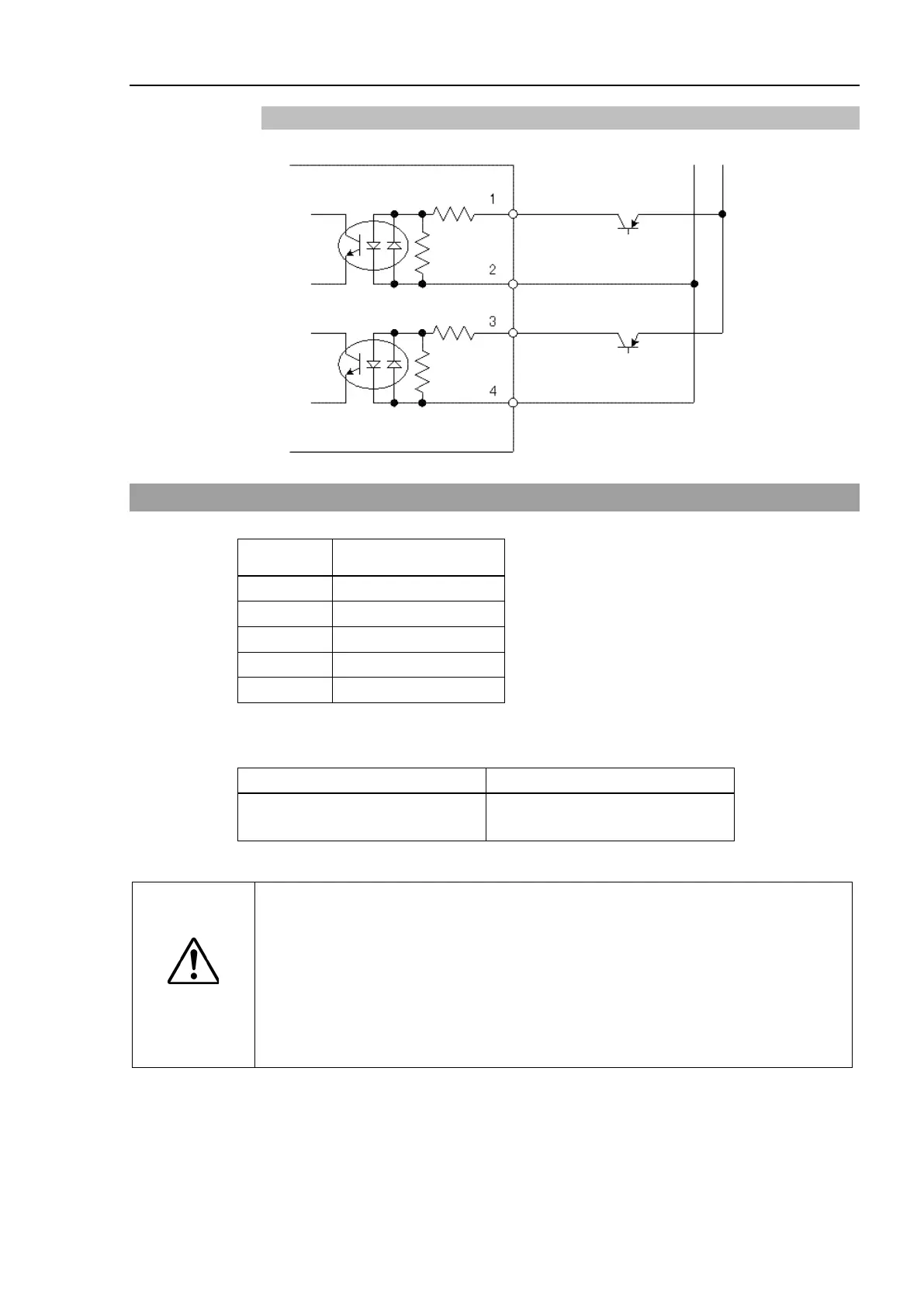
Typical Input Circuit Application 2
11.2 Pin Assignments
Signal Name
1 INPUT No24-1
2 INPUT No24-2
3 INPUT No25-1
5 to 15* NC
* For the pins 5 to 15, do not connect anything.
Connector Standard
I/O Connector (Controller side)
D-sub 50 male pin
Mounting style #4 - 40
CAUTION
When using R-I/O connector, be careful of the following points. If you use the
R-I/O connector without meeting the necessary conditions, it may cause the
system failure and/or safety problems.
- Use a shielded cable and route the cables as far from the surrounding noise
sources as possible.
For details, refer to Setup & Operation: 3.5
Noise Countermeasures.
- Make sure to check the cable routing before turning on the power supply.



 To Next Page