Maintenance 7. Recovering the HDD
RC620 Rev.8 207
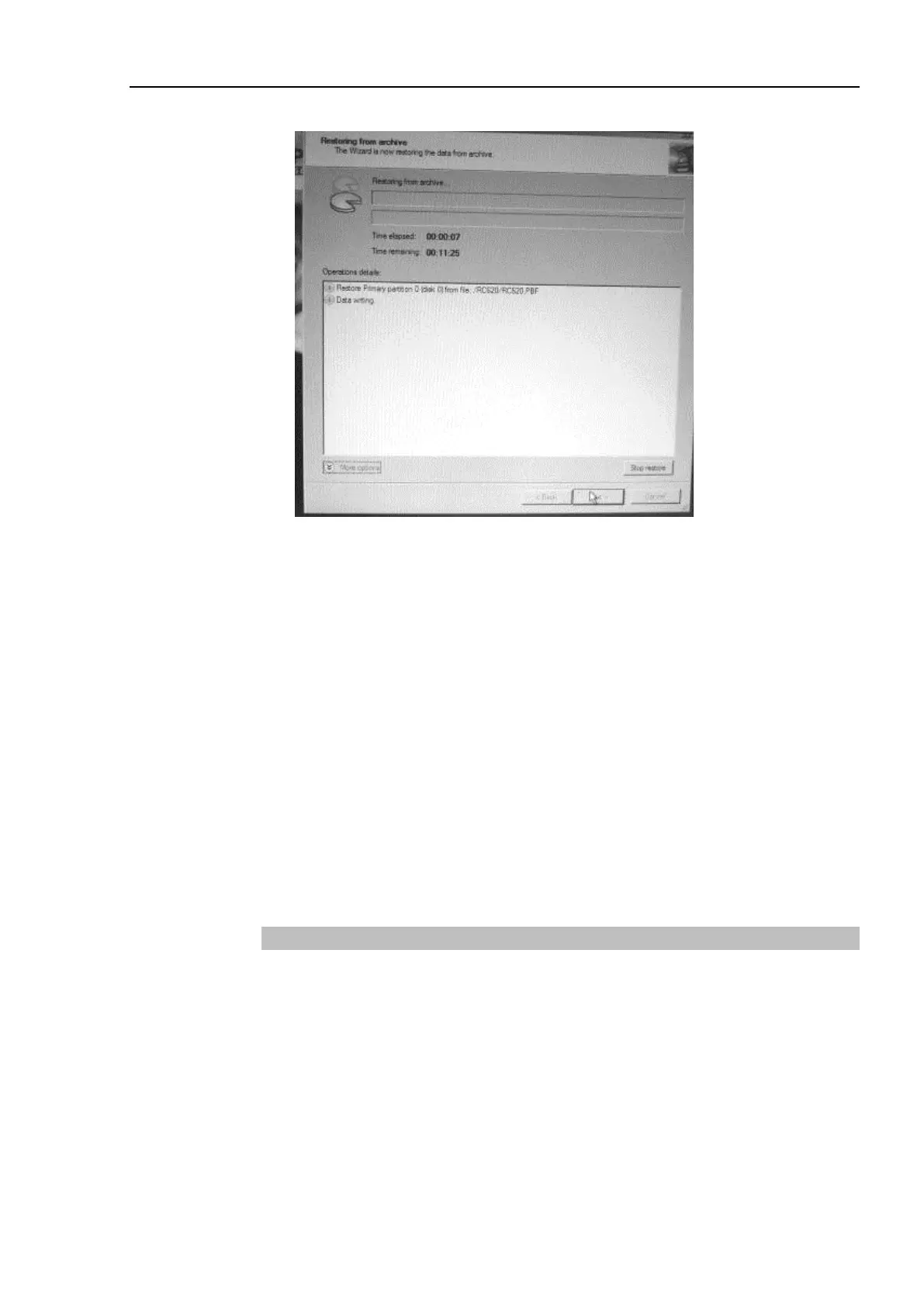
(20) It starts the recovery.
(21) When the recovery is complete, the [Completing the Restore Wizard] page appears.
Click the <Finish> button.
(22) The main menu of the Recovery Disk appears and reject the Recovery Disk and click
the <Reboot> button to reboot the RC620 controller.
(23) Press the <Delete> key and show the BIOS setup menu.
(24) Select “Advanced BIOS Features” and press the <Enter>.
The [Advanced BIOS Features] window appears.
(25) Change the setting of “First Boot Device” to the original you recorded in the step (5).
(26) Press the <ESC> key and return to the BIOS setup menu.
(27) Select “Save & Exit Setup” and press the <Enter> key.
(28) The [Save to CMOS and Exit (Y/N)?] dialog appears. Press the <Y> key.
(29) Windows starts up.
7.2.3 Restoring EPSON RC+ data
(1) Exit EPSON RC+ if it is running.
(2) Copy and overwrite the files backed up in “Backing up EPSON RC+ data” to HDD.



 To Next Page