Setup & Operation 14. Option : Teach Pendant TP1
RC620 Rev.8 99
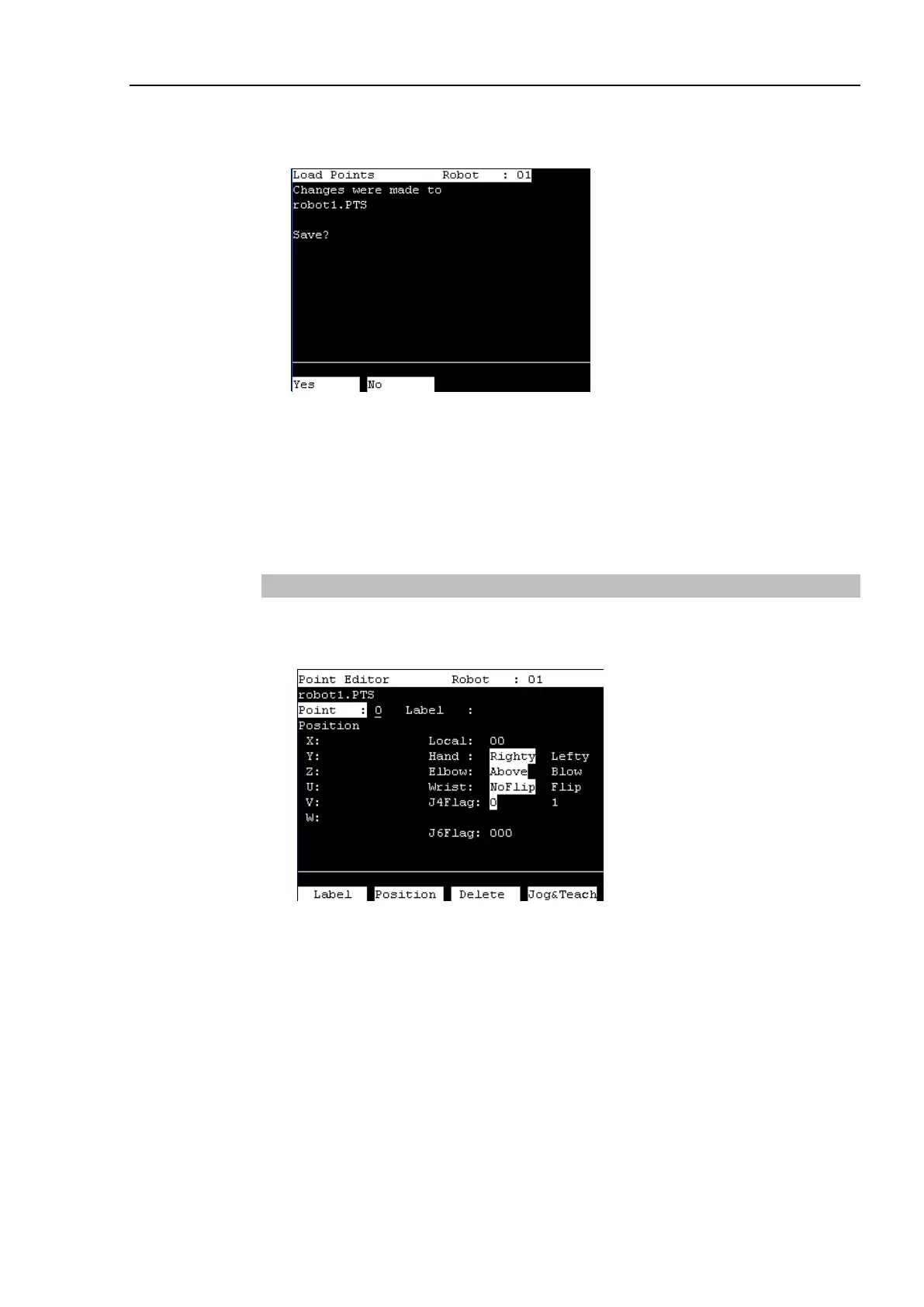
(2) Press the <OK> key to load the point data in the file memory.
This can also be executed in the [Point Editor] screen.
Select whether if you want to save the point file.
F2 : Save the new settings and load the point file.
F3 : Destroy the new settings and load the point file.
Cancel : Return to the previous screen.
This can also be executed in the [Point Editor] screen.
14.3.2 Point Editor
This section indicates settings in the [Point Editor] screen.
(1) Press the <F1> key in the [Jog & Teach] screen. The following screen appears.
(2) Set the data items currently displayed in the [Point Editor] screen.
See (described hereinafter) : Specifying Point Number Changing Point Label
Changing Coordinate Data and Pose Flag
Deleting Point Data
(3) Note down the robot position.
See (described hereinafter) : Teaching
(4) Back up the point data to a file.
See (described hereinafter) : Saving Point File
TIP



 To Next Page