Maintenance 6. Maintenance Parts Replacement Procedures
164 RC620 Rev.8
6.4 CPU Board / BIOS Backup Battery / Memory
There are two types of RC620 as below according to the CPU board mounted.
RC620 : Intel® CeleronTM M Processor : 6.4.1 Normal
RC620 + (Option) : Intel® Core
TM
Duo Processor : 6.4.2 Faster
Different procedures are instructed for each type. Follow the corresponding procedure to
replace the maintenance parts.
6.4.1 Normal
6.4.1.1 CPU Board (Normal)
Some of the cables connecting with the CPU board may confuse you about the direction to
insert. Therefore, make sure that you can install the cables correctly by taking pictures or
notes during the replacement work.
Board
OFF the Controller and unplug the power connector.
Disconnect the external cables from the CPU board if they are connected.
USB device LAN Display COM port, etc
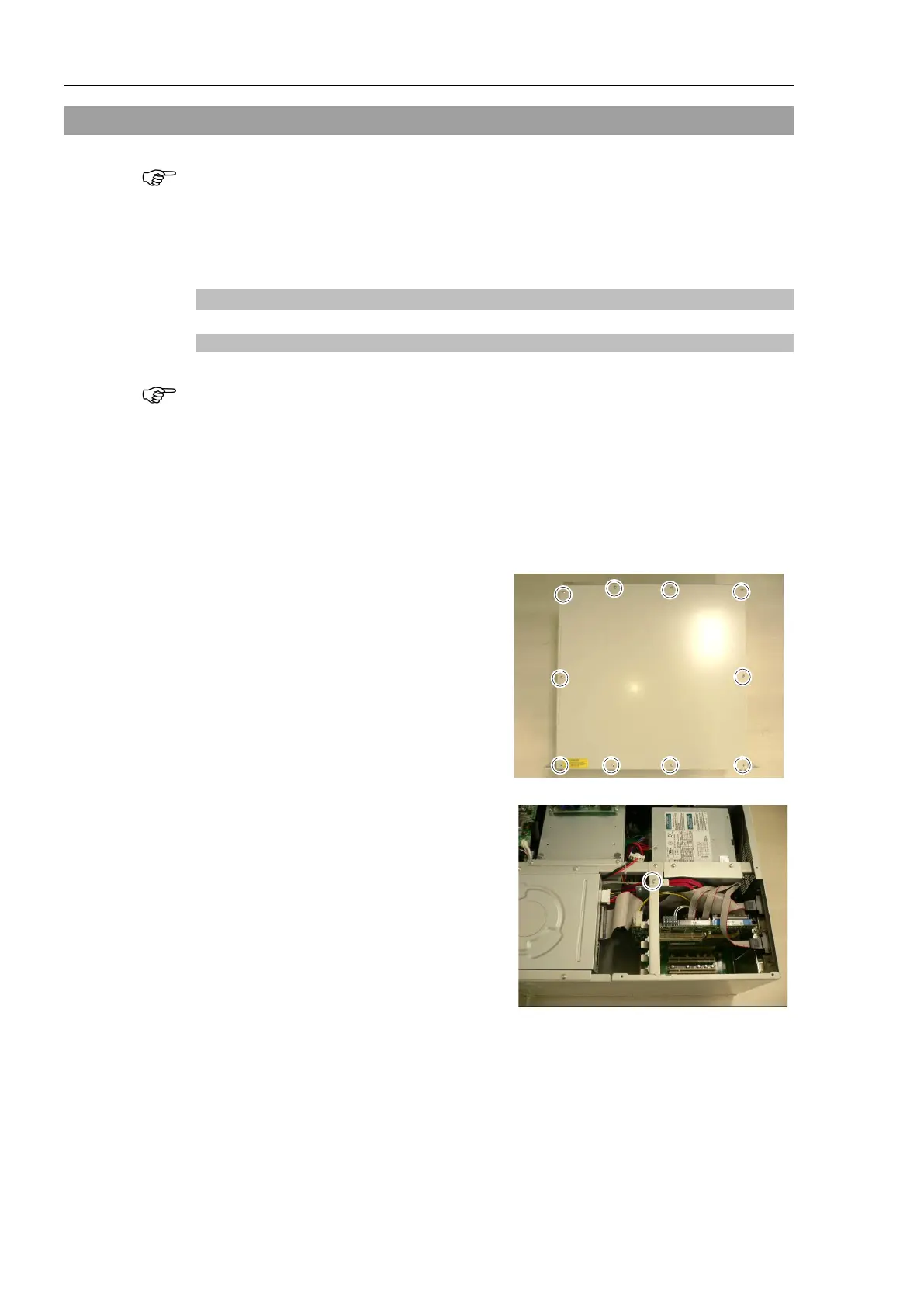
top panel.
for the CPU board
and remove the holder
.



 To Next Page