Maintenance 5. Firmware Update
RC620 Rev.8 139
5. Firmware Update
This chapter describes the firmware upgrade procedure and data file initialization.
5.1 Updating Firmware
Firmware (software stored in non-volatile memory) and data files necessary to control the
Controller and the Robot are preinstalled in the Controller. Controller configuration set
from EPSON RC+ is always saved in the Controller.
Controller firmware is supplied by CD-ROM as needed. Please contact us for
information.
5.2 Firmware Upgrade Procedure
The firmware upgrade procedure is described as follows:
(1) Turn ON the Controller.
(2) Shutdown the development software EPSON RC+ 6.0.
(3) Copy the content of “firmware CD-ROM” to the USB memory and insert the USB
memory to the controller USB port.
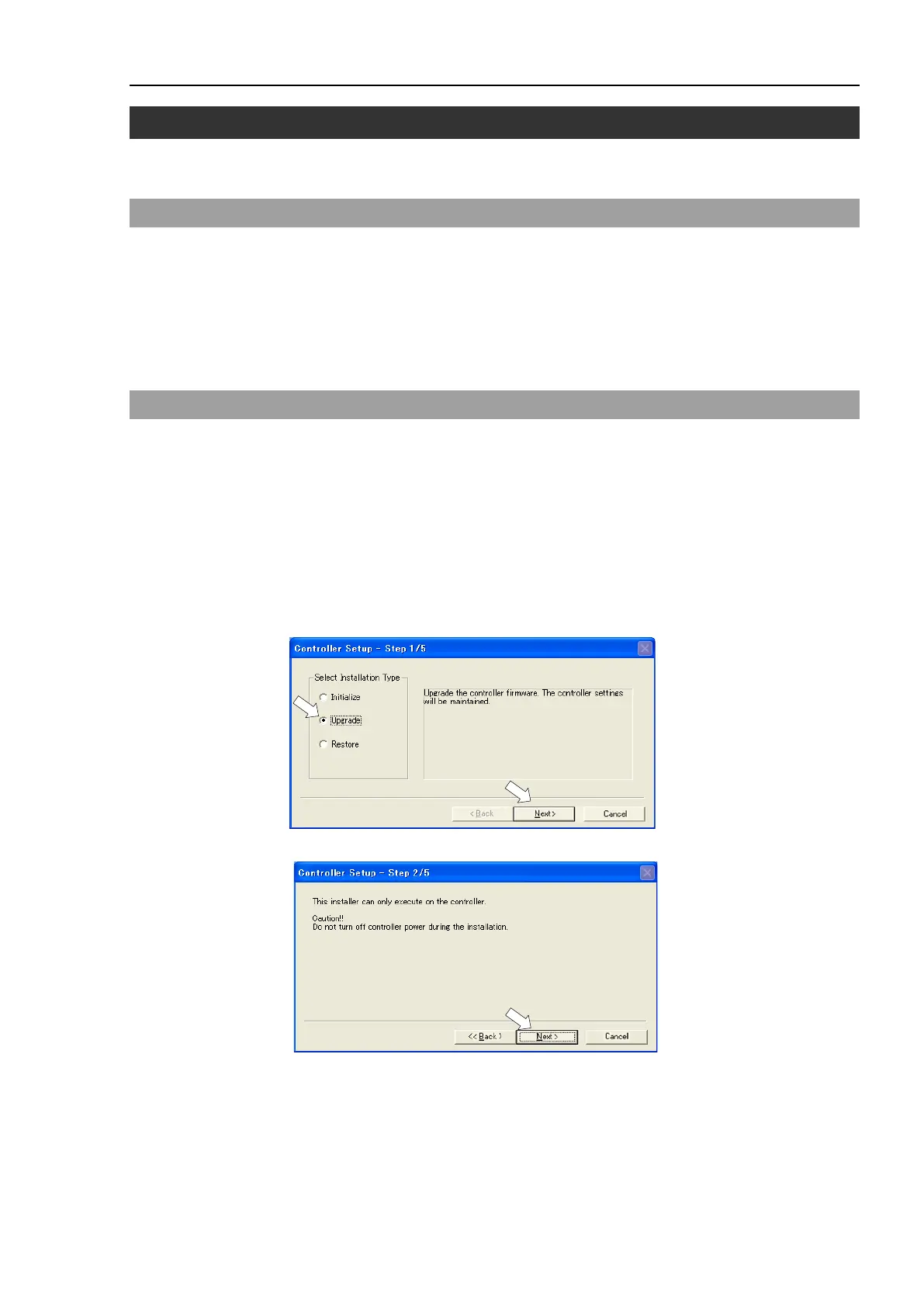
(4) Execute “Ctrlsetup60.exe”. The following dialog appears.
(5) Select the <Upgrade> option button and click the <Next> button.
(6) Confirm the message shown below and Click the <Next> button.



 To Next Page