Maintenance 5. Firmware Update
140 RC620 Rev.8
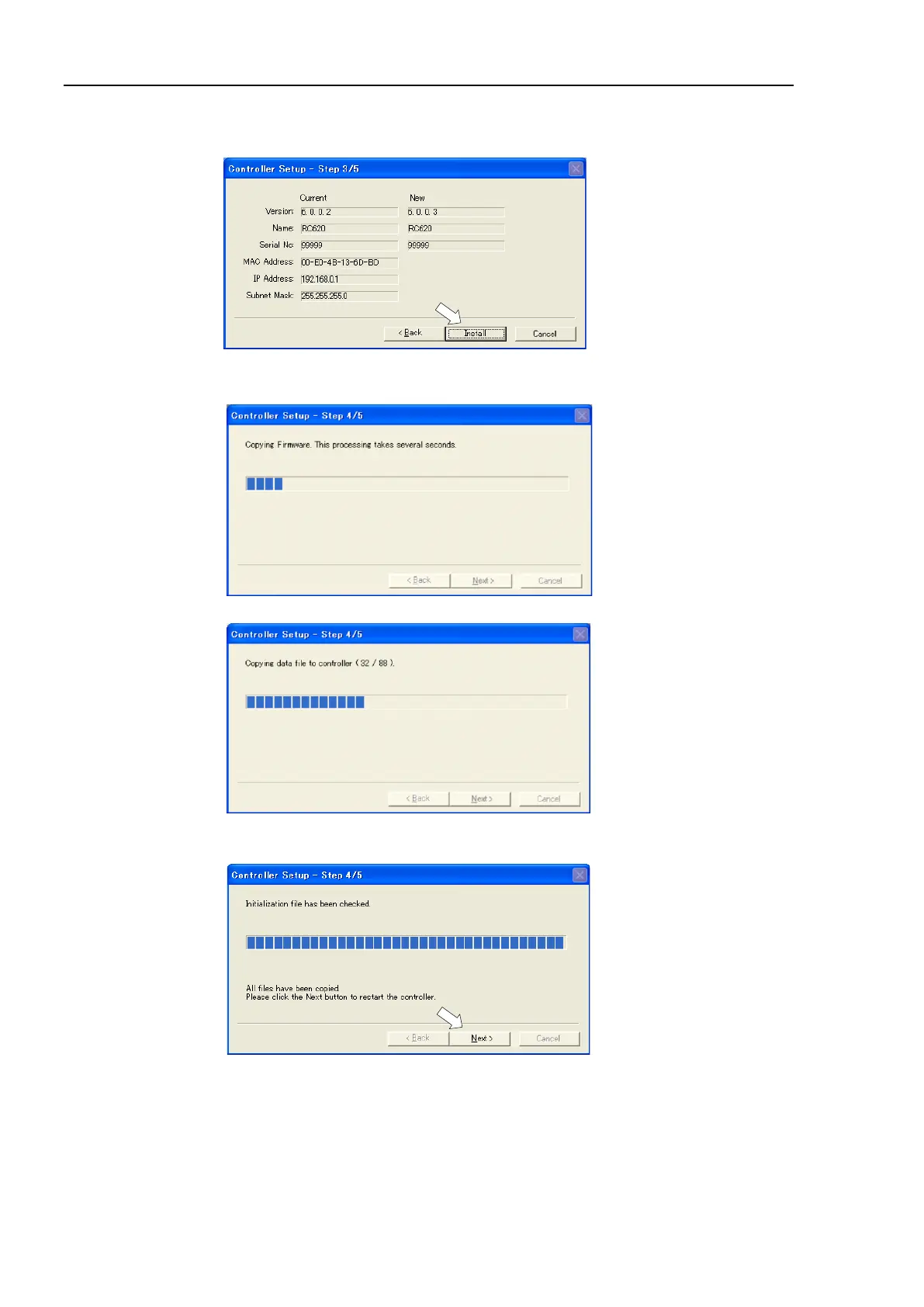
(7) Check the current firmware version and the new firmware version and click the
<Install> button.
(8) The firmware registration starts. It takes several minutes to complete.
Do not power off the Controller during registration process.
(9) Continuous data file registration starts.
(10) The following dialog appears when registration has completed. Click the <Next>
button to reboot the Controller.



 To Next Page