Setup & Operation 14. Option : Teach Pendant TP1
108 RC620 Rev.8
14.4 AUTO Mode
Switch the mode selector key switch to “Auto” to enter the AUTO mode.
AUTO mode is used for the automatic operation (executing programs) in the field running
and state reference of the robot system.
Note, however, that the program cluster cannot be executed.
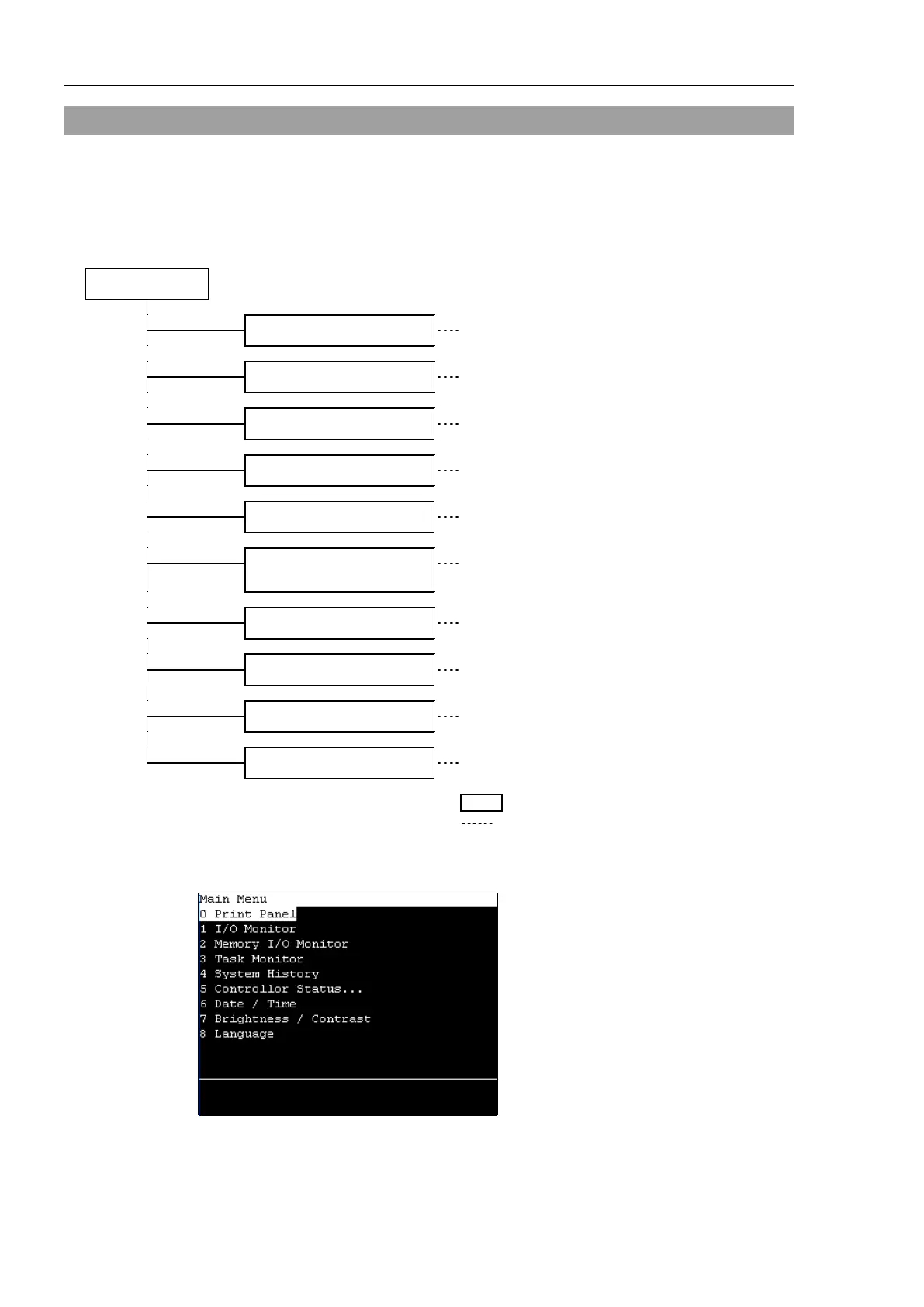
AUTO mode
Print Panel
Program Command Display
I/O Monitor
Monitor
Memory I/O Monitor
Memory I/O monitor
Task Monitor
Task Monitor
System History
System History
Controller Statuses
preservation
Controller Statuses Preservation
Date / Time
Date / Time
Brightness / Contrast
Brightness / Contrast
Language
Language
Error
Error
NAME : Screen name
Switch the mode selector key switch to “Auto” to display the [Print] screen. Follow the
description on the screen and press the <F4> key to display the [Main Menu] screen.
Menus with “...” at the end have following procedures after selecting the menu and cannot
be executed only by pressing the <OK> key.
TIP



 To Next Page