Setup & Operation 15. RAID
RC620 Rev.8 117
15. Option: RAID
Here describes the functions and operating instructions of the RAID – Option for the Robot
controller.
15.1 Overview
RAID option provides the function of RAID1 (mirroring).
CAUTION
Do not remove the HDD with RAID system because it may break the RAID system.
Do not remove the HDD except when it has a failure.
The S.M.A.R.T runs incorrectly.
Check the disk status from the Intel Matrix Storage Console.
15.2 Data Protection Status Confirmation
Execute the Intel Matrix Storage Console from the Windows | Start | All programs |
Intel(R) Matrix Storage Manager.
15.2.1 Normal Status
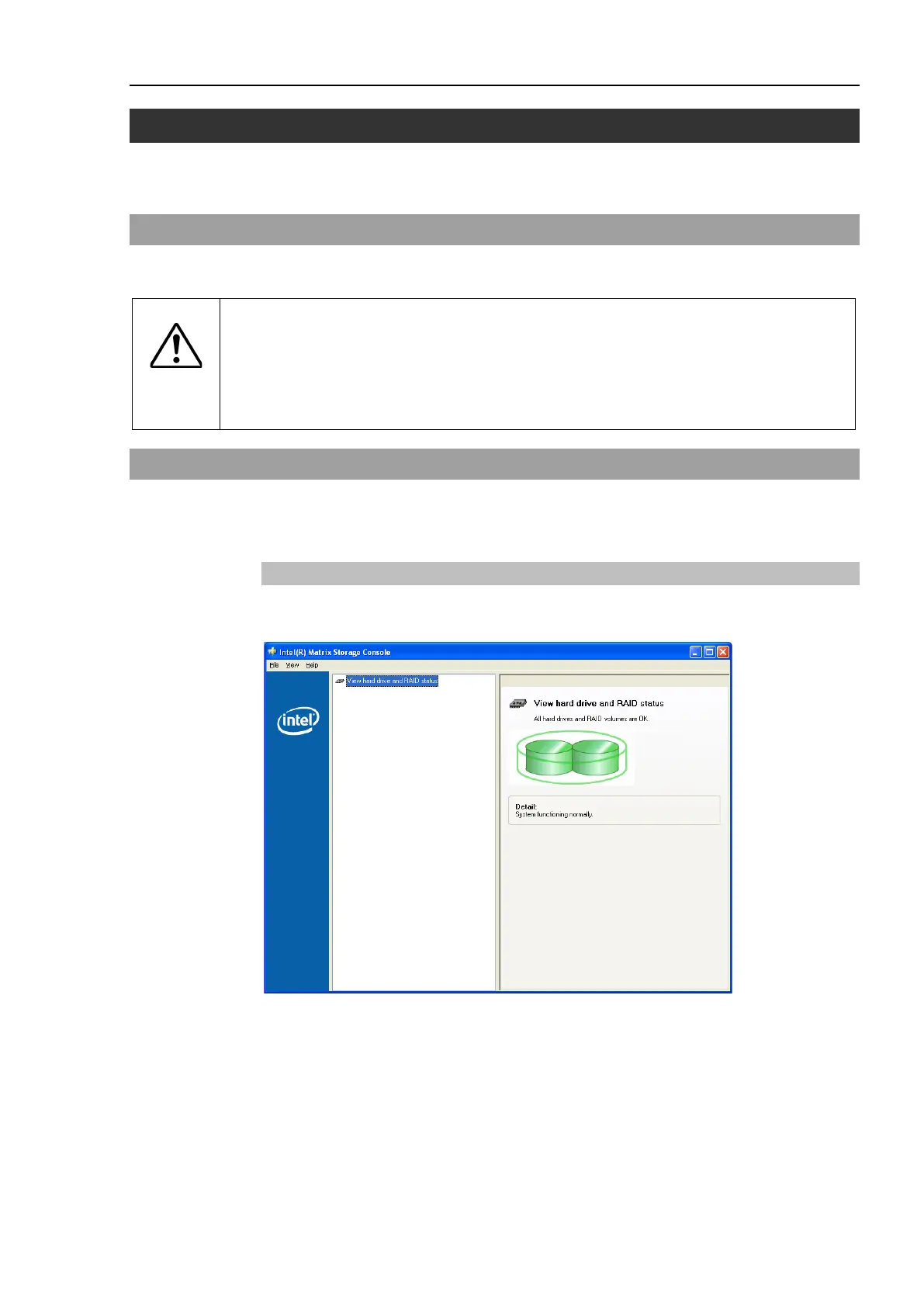
When the mirroring runs normally, it displays “System Functioning normally.” on the
Intel Matrix Storage Console.



 To Next Page